
Yet Another Status Page
A modern, self-hosted status page built with Payload CMS and Next.js.


Note: After deploying to Vercel, make sure to add a Vercel Blob store in your project's Storage settings for media uploads to work.
🎯 Live Demo
Try out the admin interface without installation! The demo environment automatically resets every hour.
Demo Login: https://demo.yasp.io/admin/login
Email: [email protected]
Password: demo2026#
Screenshots
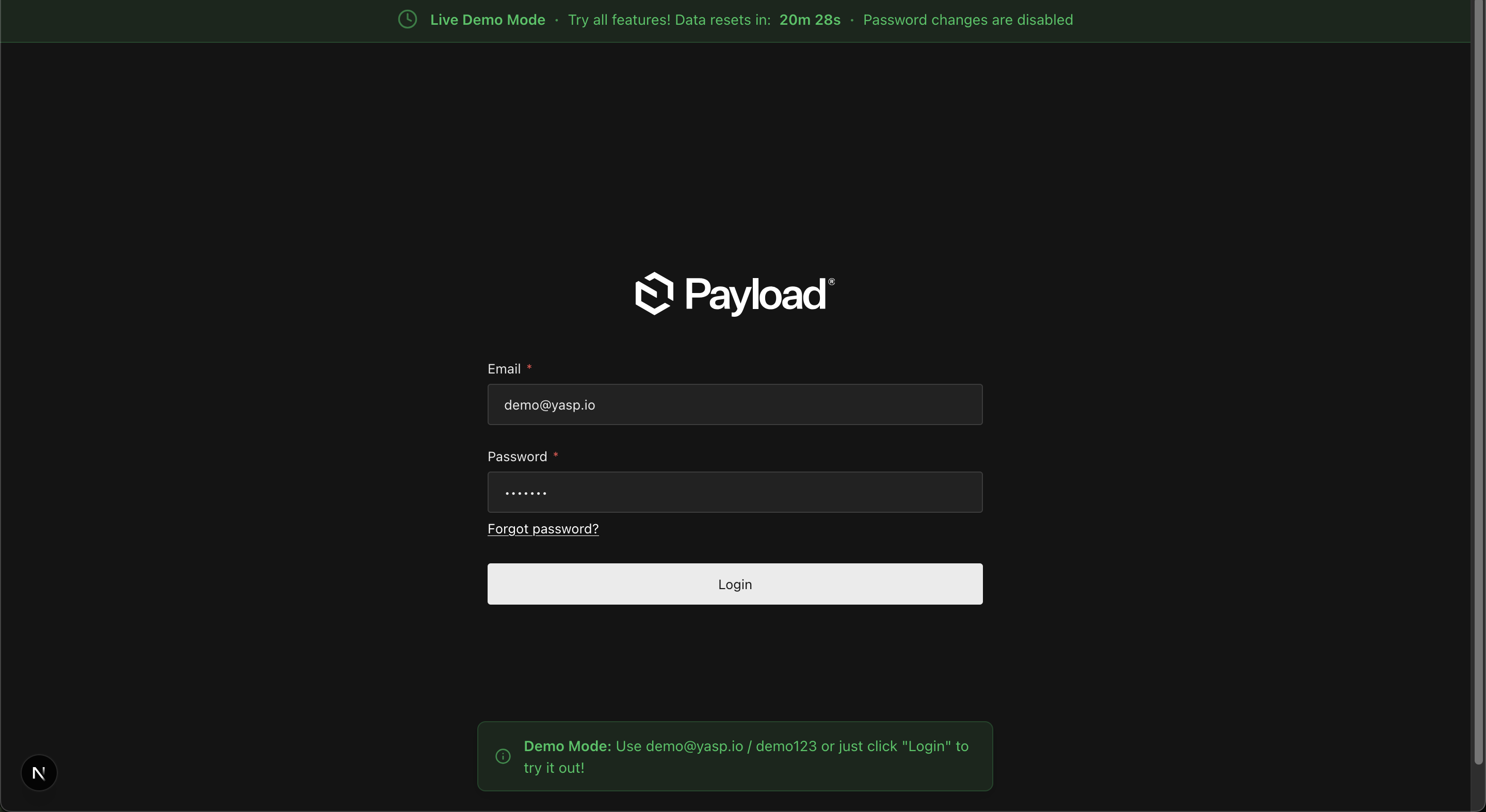
Demo Login Page with Auto-filled Credentials
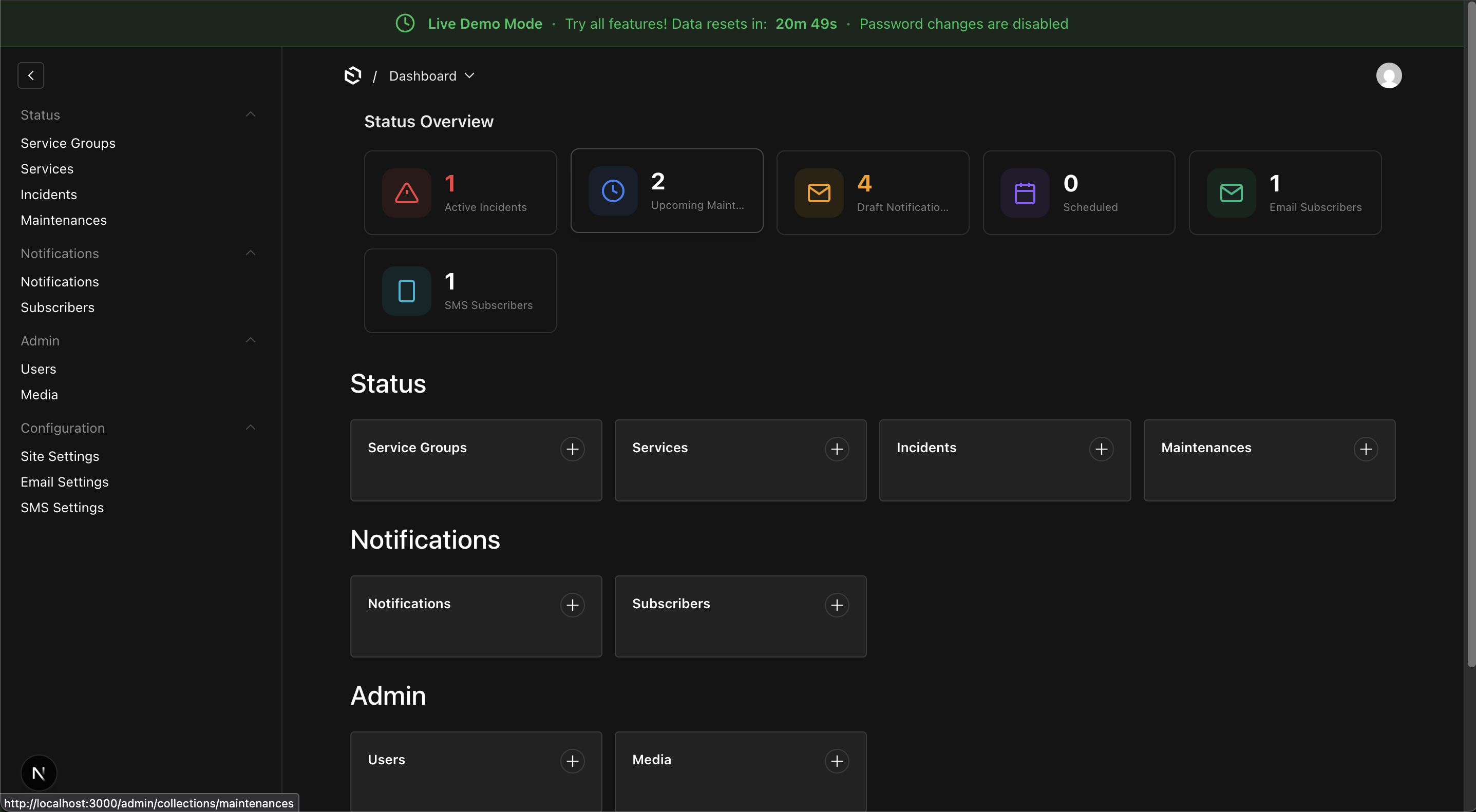
Admin Interface with Demo Banner
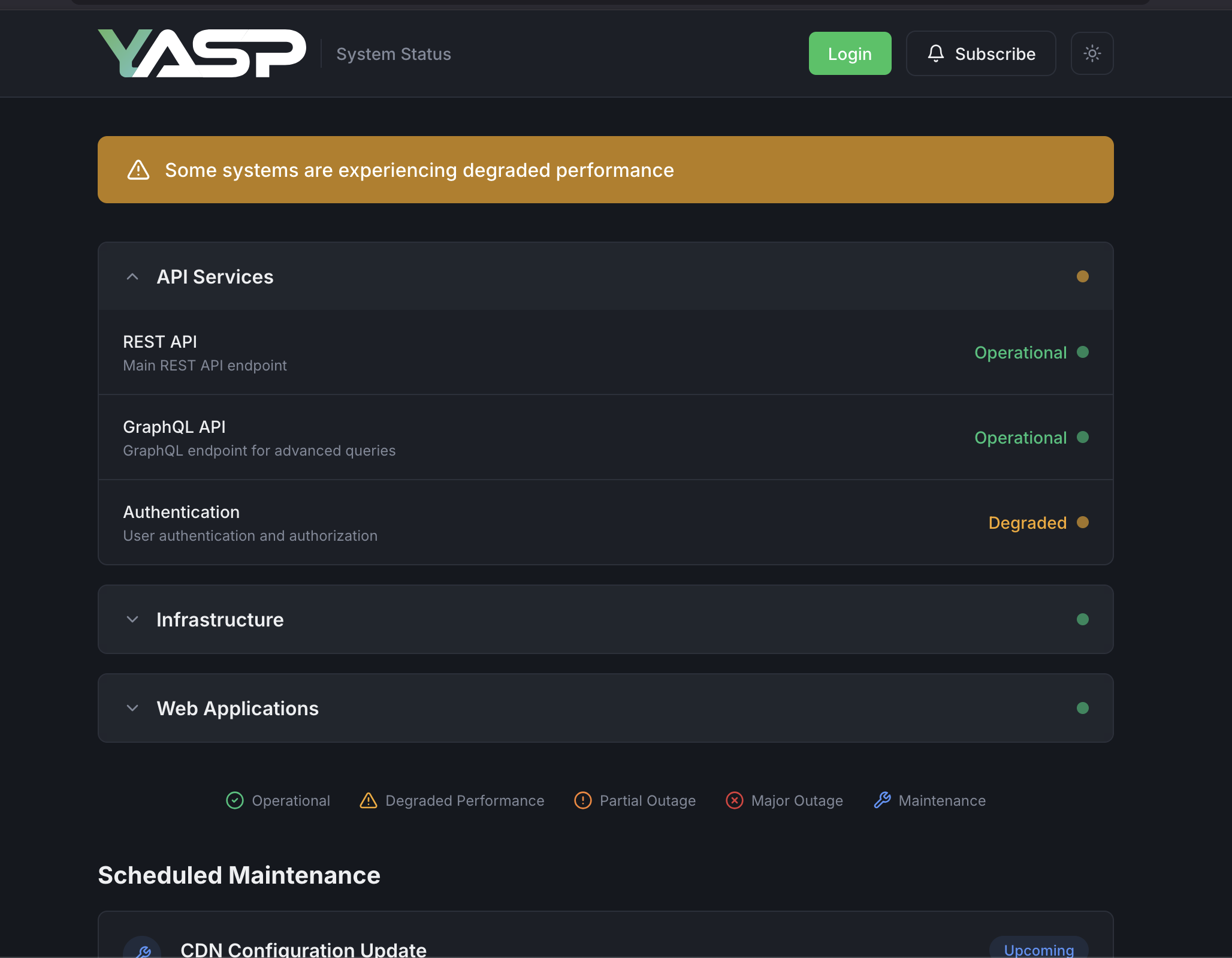
Checkout the demo using Login button
Features
- Incident Management — Track and communicate service disruptions with timeline updates
- Scheduled Maintenance — Plan and notify users about upcoming maintenance windows
- Email & SMS Notifications — Automatic subscriber notifications via SMTP and Twilio
- Service Groups — Organize services into logical groups
- Beautiful UI — Modern, responsive status page with dark mode support
- Self-Hosted — Full control over your data and infrastructure
- Docker Ready — Easy deployment with Docker and Docker Compose
- Live Demo Mode — Optional, opt-in demo environment with automatic resets (see Demo Mode docs)
Quick Start
# Clone the repository
git clone https://github.com/Hostzero-GmbH/yet-another-status-page.git
cd yet-another-status-page

# Start the services
docker compose up -d
Visit:
- Status Page: http://localhost:3000
- Admin Panel: http://localhost:3000/admin
Run Your Own Demo
YASP ships an optional Live Demo Mode that boots a fully-functional admin with pre-seeded data and periodic auto-resets - useful for evaluation, sandboxes, or public showcase pages.
Warning: Demo mode is destructive. It deletes and reseeds all application data at the configured interval. Only enable it on a dedicated or disposable database - never on production data.
docker compose -f docker-compose.demo.yml up -d
This sets DEMO_MODE=true on the app container, which:
- Seeds the database with realistic sample data on startup
- Schedules automatic resets every
DEMO_RESET_INTERVAL_MINUTES(default 60) - Shows a demo banner with countdown in the admin panel
- Auto-fills the login form with the demo credentials
- Adds a "Login" button to the public status page
- Blocks password changes on the demo user account
See the Demo Mode docs for full configuration, security considerations, and Kubernetes/Helm deployment notes.
Documentation
Tech Stack
| Component | Technology |
|---|---|
| Framework | Next.js 15 (App Router) |
| CMS | Payload CMS 3.x |
| Database | PostgreSQL |
| Styling | Tailwind CSS |
| Nodemailer (SMTP) | |
| SMS | Twilio |
Contributing
Contributions are welcome! Please read our Contributing Guide for details on development setup, coding standards, and the pull request process.
Security
For security concerns, please review our Security Policy. Do not report security vulnerabilities through public GitHub issues.
License
This project is licensed under the MIT License - see the LICENSE file for details.