

YourVision: AI-powered image editor
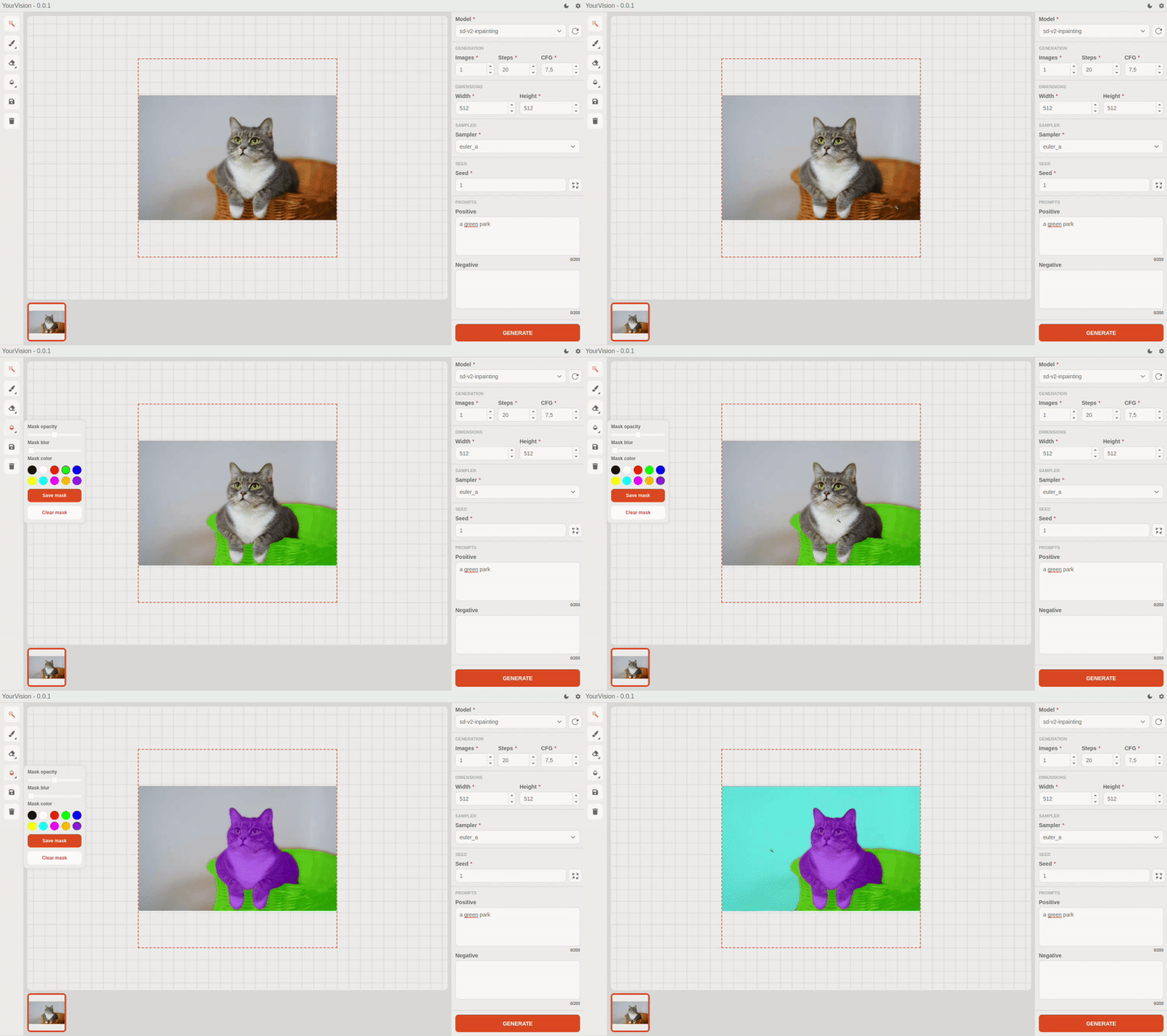
Application features
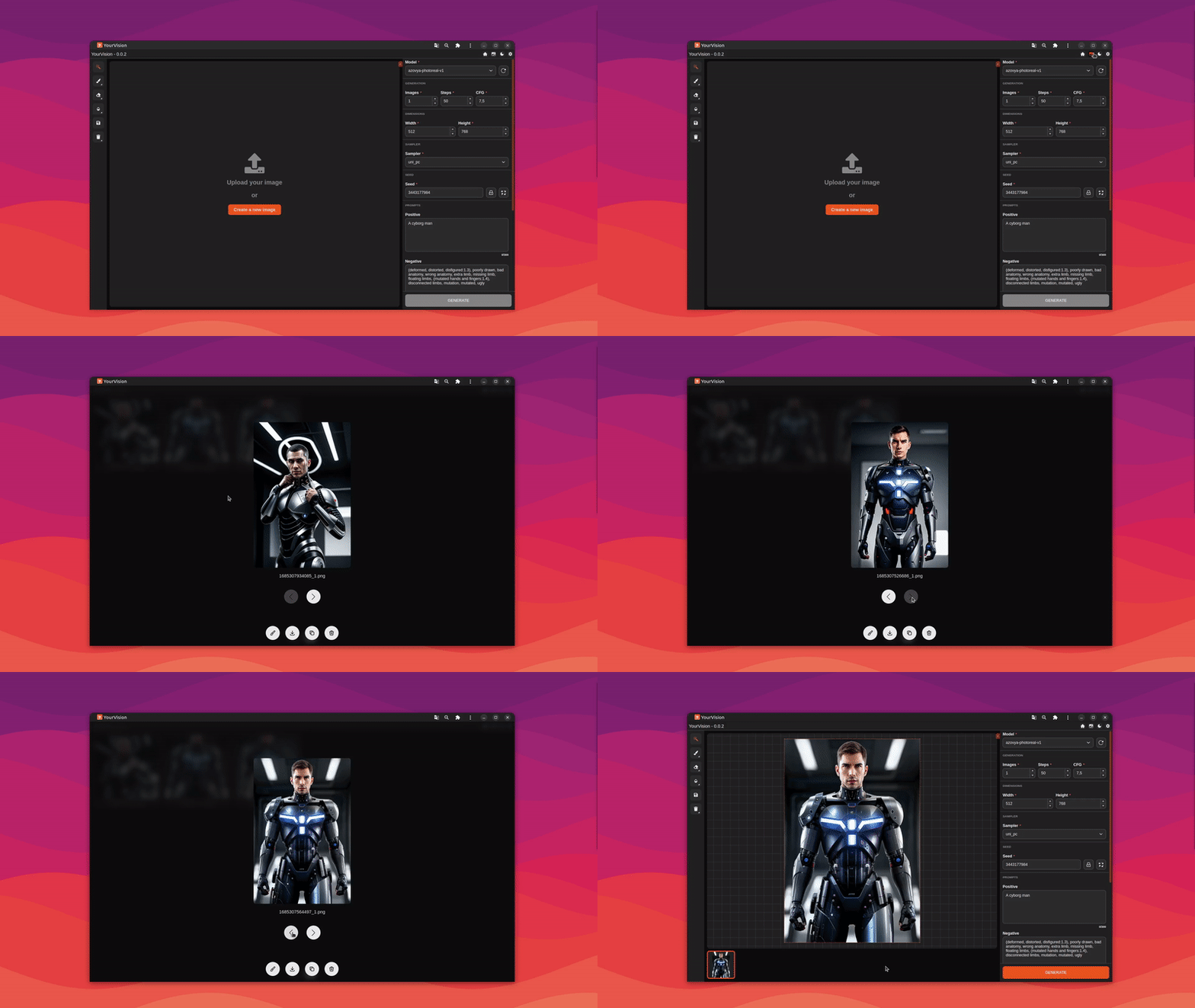
Smart Mask with Segment Everything
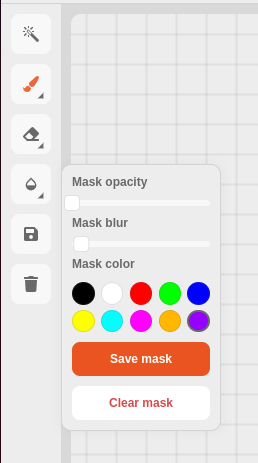
Configurable editing tools
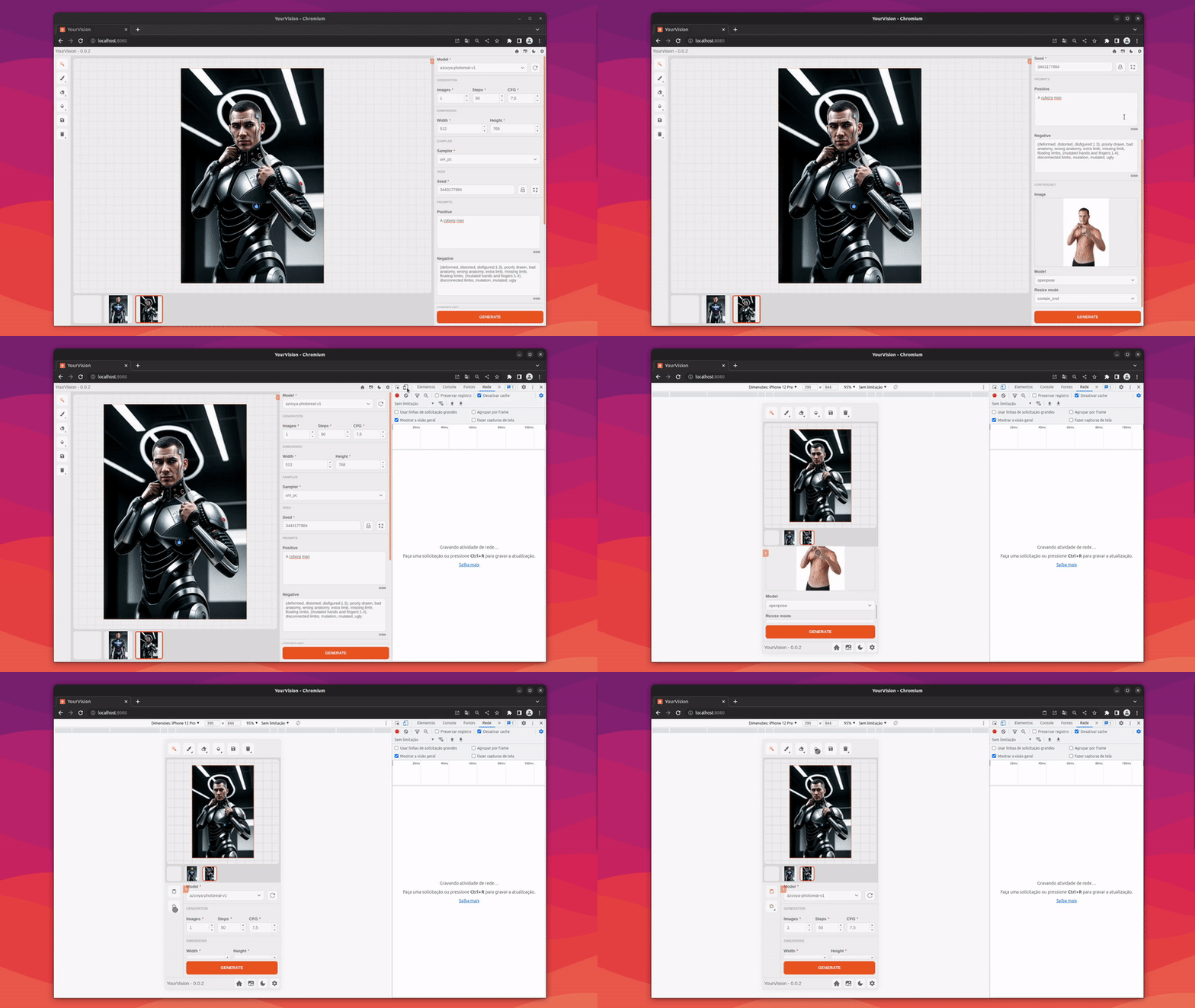
Optimized for desktop and mobile
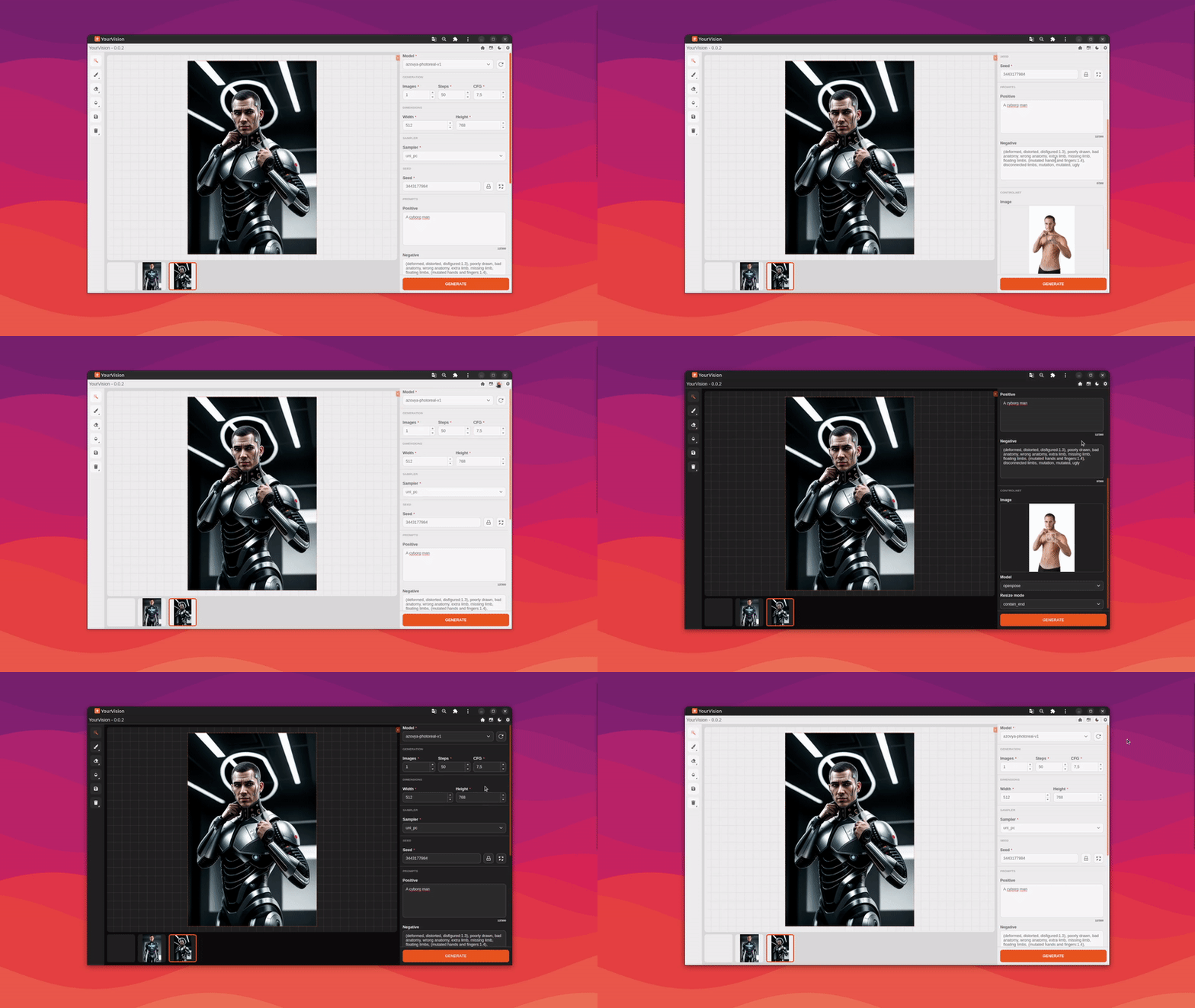
Dark theme support
Gallery with the generated images
Plugin support
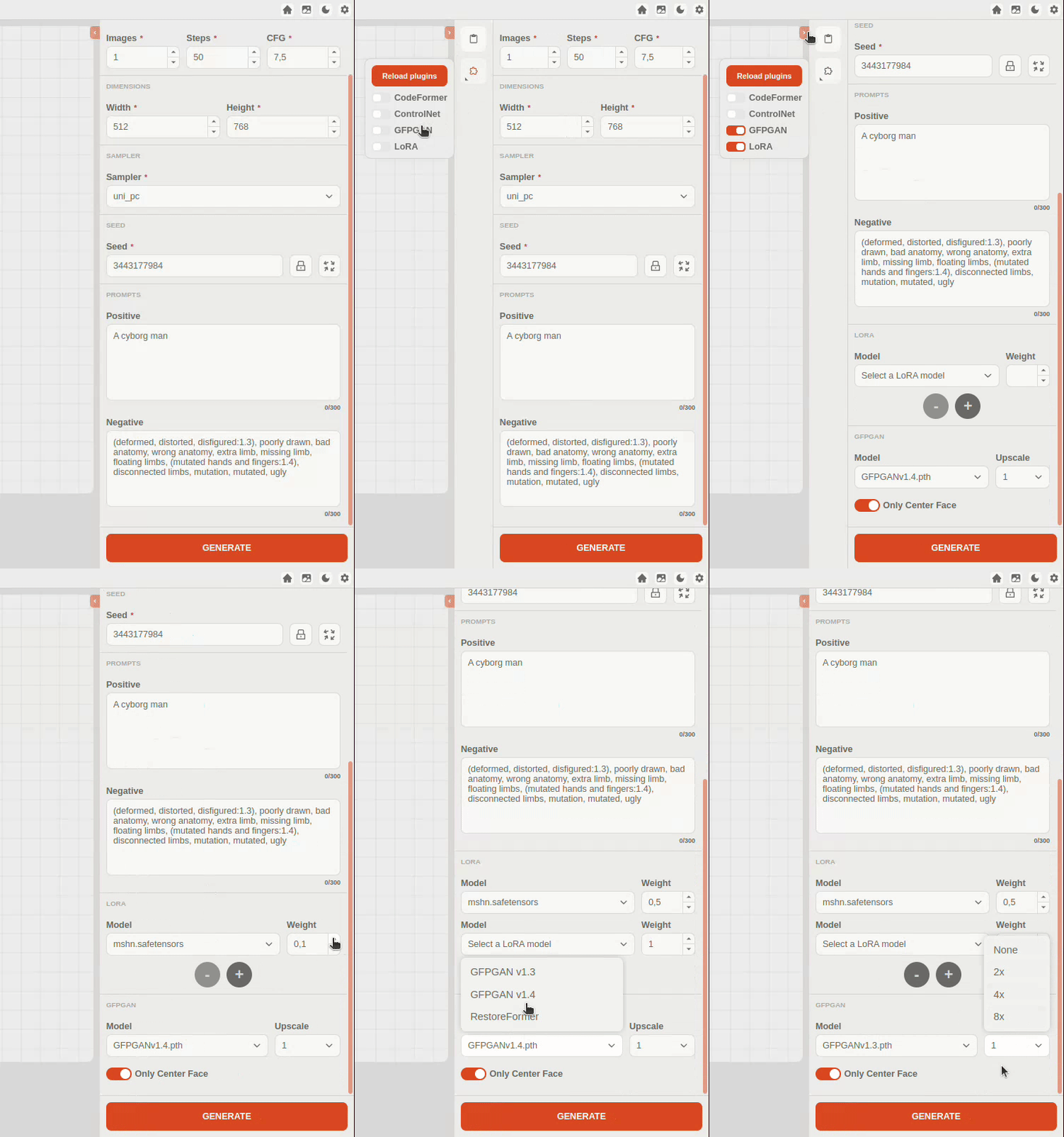
Some plugins are already available:
Instalation
First, you will need python v3.10.6 and nodejs v18.16.0 with yarn.
-
Clone the repository with:
git clone https://github.com/obraia/YourVision.git -
Create and active a python development environment with:
python -m venv venv source .venv/bin/activate or .venv/bin/activate (windows) -
Install the python dependencies with:
pip install -r requirements.txt -
Install pytorch for your system NVIDIA/AMD GPU or CPU:
NVIDIA GPU:
pip install torch torchvision torchaudio --extra-index-url https://download.pytorch.org/whl/cu117AMD GPU (only linux for now)
Obs: You will need the latest version of ROCm installed on your linuxpip install torch torchvision torchaudio --extra-index-url https://download.pytorch.org/whl/rocm5.4.2CPU
pip install torch torchvision torchaudio --extra-index-url --extra-index-url https://download.pytorch.org/whl/cpu -
You will need to convert .ckpt or .safetensors checkpoints to diffusers with the following command:
python scripts/convert_original_stable_diffusion_to_diffusers.py --checkpoint_path "path/to/checkpoint.ckpt" --original_config_file "api/weights/sd/inferences/<inference>.yaml" --dump_path "api/weights/sd/diffusers/<diffusers-name>/" --device="cuda:0" -
Now run the api with:
python api/app.py -
To install the front-end dependencies:
cd gui/ & yarn install -
And start the application:
yarn start
Features to be implemented in the future
- Install script
- Auto conversion of .ckpt and .safetensors models
- Translation support (Interface and Prompts)
- Page with application settings
- Generated images gallery
- Creation of shortcuts for the interface
- Support for predefined generation filters
- Create layer system
- Plugins support
Credits
- Diffusers: https://github.com/huggingface/diffusers
- Segment Anything: https://github.com/facebookresearch/segment-anything