
YouTube AI Extension
🚀 Big update coming June 10, 2025! 🚀
A new version is on the way with powerful new features, a streamlined install process, and an official release on the Chrome Web Store.
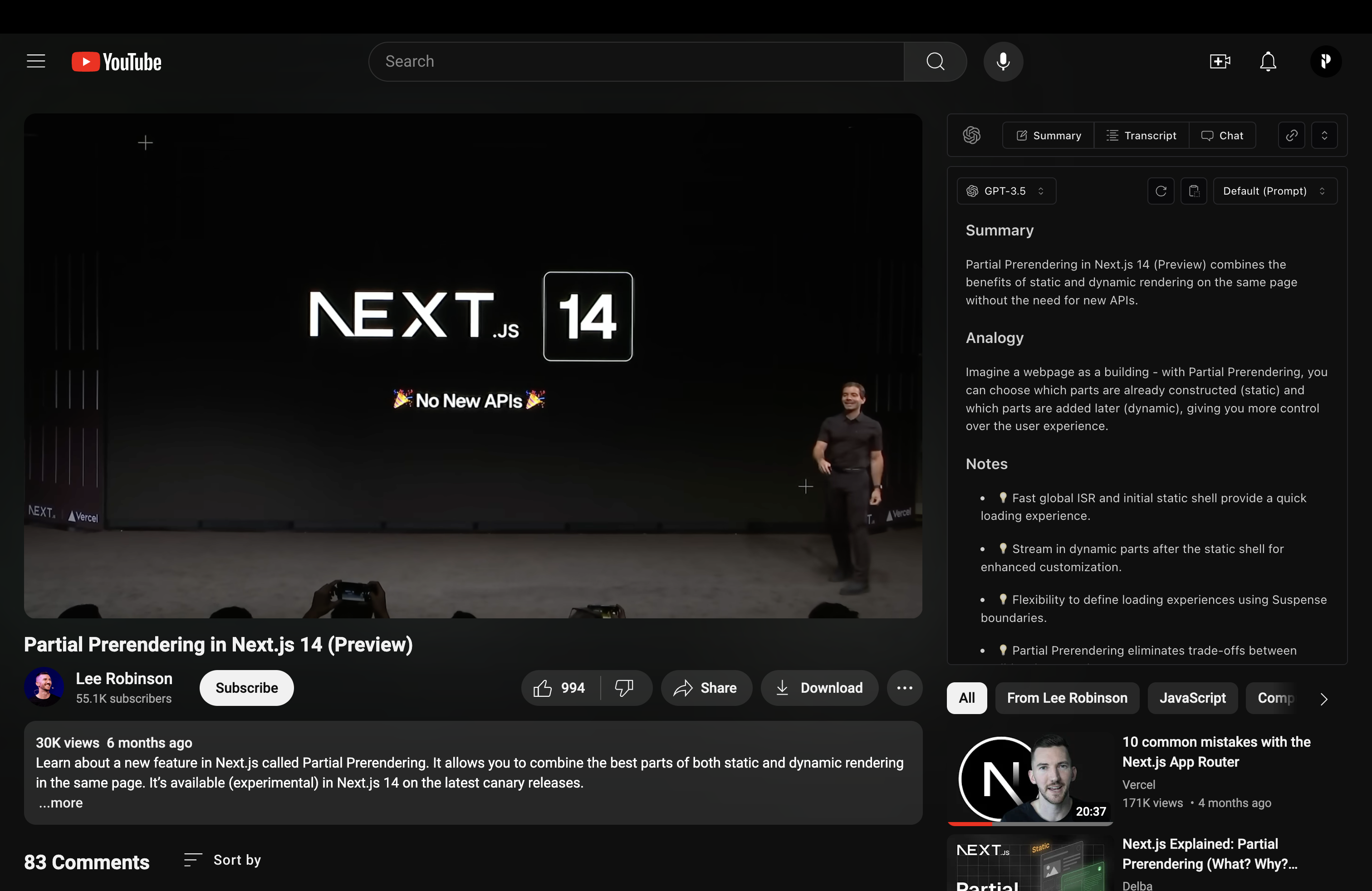
YouTube Chat Extension allows you to chat directly with YouTube videos, providing a unique interactive experience.
Demo Video · Features · Roadmap · Installation · Acknowledgments
Features
- Seamlessly chat with YouTube videos in real-time.
- Get video summaries, ask questions, and receive detailed explanations.
- User-friendly interface integrated directly into YouTube.
- Support for multiple languages and context-aware responses.
Roadmap
- June 10, 2025: Major update with new features and official Chrome Web Store release.
Installation
To install and run the YouTube Chat Extension locally, follow these steps:
-
Clone the repository:
git clone https://github.com/PaoloJN/youtube-ai-extension.git cd youtube-chat-extension -
Add your OpenAI API key. Replace
YOUR_API_KEYwith your actual key in the fileschat.tsandcompletion.tsconst openai = new OpenAI({ apiKey: "YOUR_API_KEY" }) -
Install the dependencies and build the project:
pnpm install pnpm run build -
Load the extension into Chrome:
- Open Chrome and navigate to
chrome://extensions/. - Enable "Developer mode" by toggling the switch in the top right corner.
- Click "Load unpacked" and select the
build/chrome-mv3-devdirectory from the project you just built.
- Open Chrome and navigate to
-
Open YouTube and start chatting with videos! :)
The extension does not support the new YouTube layout. To revert to the old layout, use the uBlock Origin extension. The extension should then work correctly.
License
This project is licensed under the AGPL-3.0 for non-commercial use.
Commercial Use
For commercial use or deployments requiring a setup fee, please contact us for a commercial license at [email protected].
By using this software, you agree to the terms of the license.
Acknowledgments
This project wouldn't be possible without the following resources: