


- download releases or Build.
- Android yuhaiin-android.
- Inbound
- yuubinsya(experimental)
- Reality, HTTP2, Quic, Websocket, gRPC, TLS, ECH(Encrypted SNI)
- Socks5, Socks4A, HTTP
- TUN(gso,gro support), Linux/Mac Redir, Tproxy
- gvisor
- tun2socket(hijack tun TCP to a local TCP listener)
- yamux
- Outbound
- support DNS:
- DNS, EDNS
- FakeDNS
- DNS Server
- DNS over UDP
- DNS over HTTPS(3)
- DNS over Quic
- DNS over TLS
- DNS over TCP
- Full cone NAT.
- Ping(yuubinsya, Tailscale, Socks5(custom cmd), Wireguard(TODO))
- Trace Process of Connections
- Linux: eBPF or /proc
- Windows, Darwin: syscall
- Support Proxy Chain Warp
- auto set Linux(KDE/Plasma,Gnome),Windows,MacOS Proxy
- Rules
# make or download from releases
make yuhaiin
# or
go install github.com/Asutorufa/yuhaiin@latest
# for macos
# remove quarantine
xattr -rd com.apple.quarantine yuhaiin
# optional, sign with ad-hoc
codesign -s - yuhaiin
# or
brew tap yuhaiin/yuhaiin
brew install yuhaiin
# host: grpc and http listen address, default: 127.0.0.1:50051
# path: Store application data path, default:
#   linux ~/.config/yuhaiin/, windows %APPDATA%/yuhaiin/
yuhaiin -host="127.0.0.1:50051" -path=$HOME/.config/yuhaiin
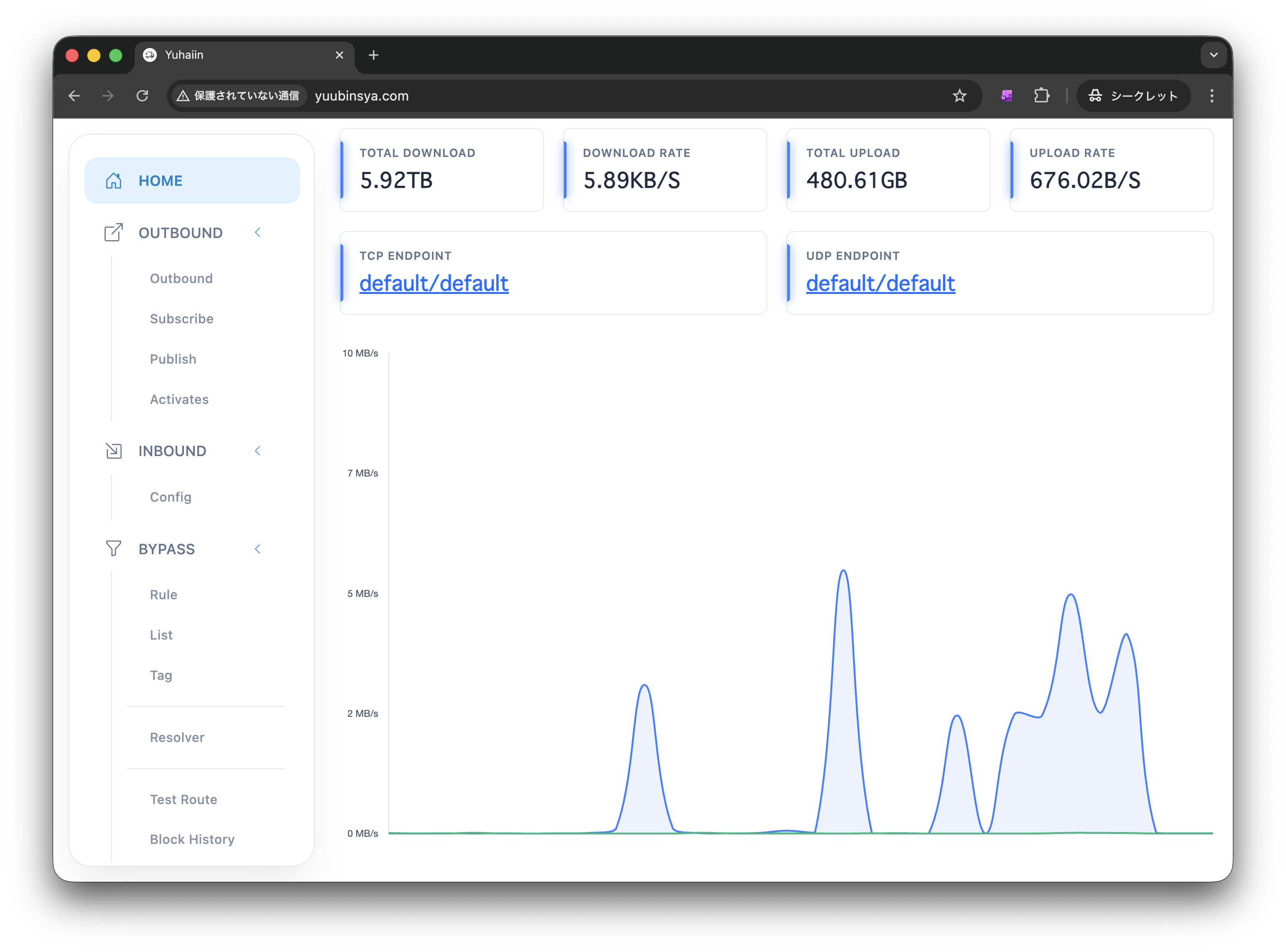
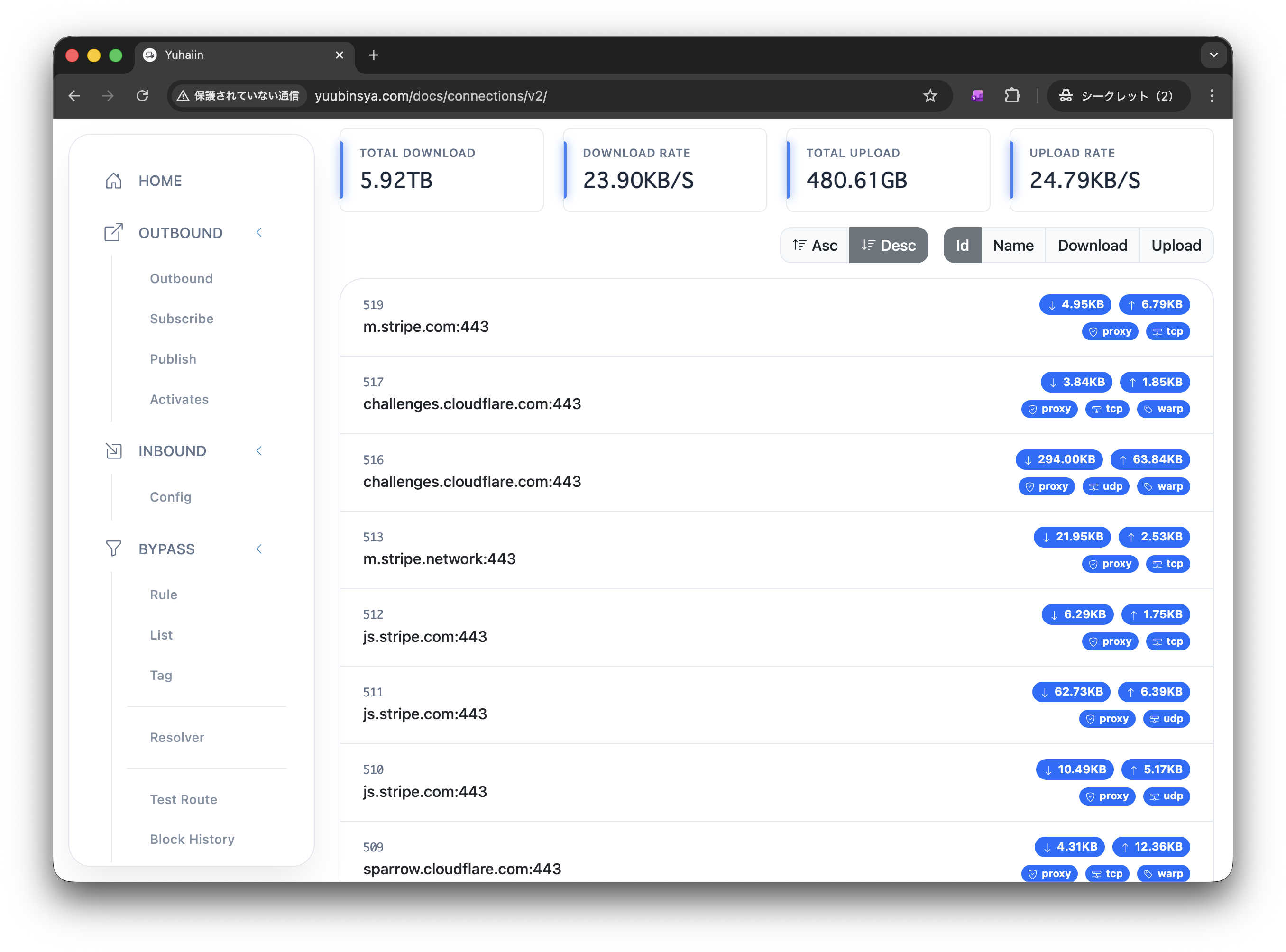
Acknowledgement
Reference: