
zenshin. 
[!IMPORTANT] Since tosho is shutting down, I've switched to the new tosho-xyz alternative. Branch tosho-update will use the newer alternative and the main branch will still use the older URL until the newer API is stable.

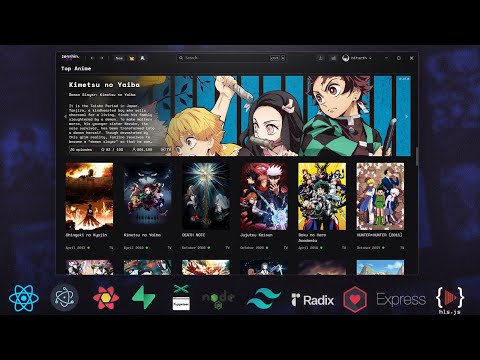
A poorly written web and electron based anime list manager with media streaming capabilities.
[!NOTE]
If you can't access pahe even after refreshing cookies, try using Cloudflare DNS.
Screenshots 🖼️:
Demo : (Click the images)
[!NOTE] The video player inside the browser/app currently does not support subtitle rendering as extracting embedded subtitles from an mkv file is quite tricky and is way out of my league. To play the video with subtitles open it in VLC/MPV by clicking on the
Open VLCorOpen in External Playerbutton when playing an episode.
Disclaimer : disclaimer.md
Building the Electron App
Commands required to build the app on Windows, Linux and macOS (untested) are npm run build:win, npm run build:linux and npm run build:mac respectively.
| Windows | Linux | MacOS |
|---|---|---|
npm run build:win |
npm run build:linux |
npm run build:mac |
- Navigate to
Electron\zenshin-electron. - Run
npm iornpm install - Run
npm run build:win - Check the
distfolder (Electron\zenshin-electron\dist),zenshin-electron-x.x.x-setup.exeis the setup and the folderwin-unpackedcontains pre-installed / unpacked files. Zenshin.exeinside thewin-unpackedfolder (dist\win-unpacked\Zenshin.exe) can be used if you want to avoid installing the setup.- Example : YouTube: Building on Ubuntu. Same process can be followed for other Operating Systems with their respective build commands.
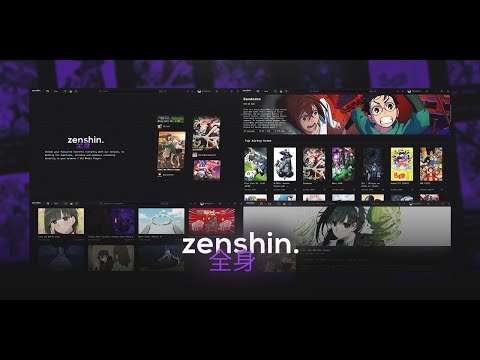
How to use / build (WebApp): (outdated)
- Web Version is no longer being worked on upon. Use electron.
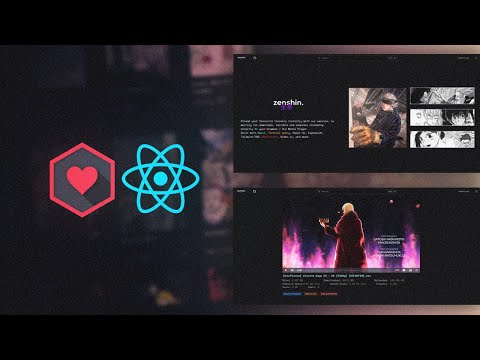
VLC Media Player Support (in web version)
Define the path to vlc.exe in BACKEND/server.js :
const vlcPath = '"C:\\Program Files (x86)\\VideoLAN\\VLC\\vlc.exe"'; // Adjust this path as needed
Contributing :
Forks are welcomed, but contributions directly to this project and branch are not encouraged as of now. You can still open issues for feature requests, bug reports or any other inquiries.
Tech Stack and dependencies used :
- ReactJS
- ElectronJS
- WebTorrent
- TanStack React Query
- Radix UI and Radix Icons
- Video.js
- axios
- date-fns
- ldrs
- react-infinite-scroll-component
- TailwindCSS w/ tailwindcss-animated and line-clamp
- ExpressJS
- React Lenis
- Sonner
- Plyr
- Puppeteer