
⚡ Zeus Grabber v1.0 (GUI)
Multi-Function Domain Tool: Reverse IP, IP Generator, Domain-to-IP Conversion, Google Search Dork & SQli, Zone-H
Zeus Grabber is an open-source multi-tool for managing domains, automating reverse IP lookups, generating random IPs, converting domains to IPs, performing Google searches, and Zone-H Grab Domain.
Note: I have an announcement! Google and Zone-H Grabber was originally coded in 2022 (copyright 2022), but I have made it public in 2024 with updated code to further improve its performance and usability.
Enjoy using this tool for free! 🚀
Join Community & Suggest a Feature

📷 Screenshots :
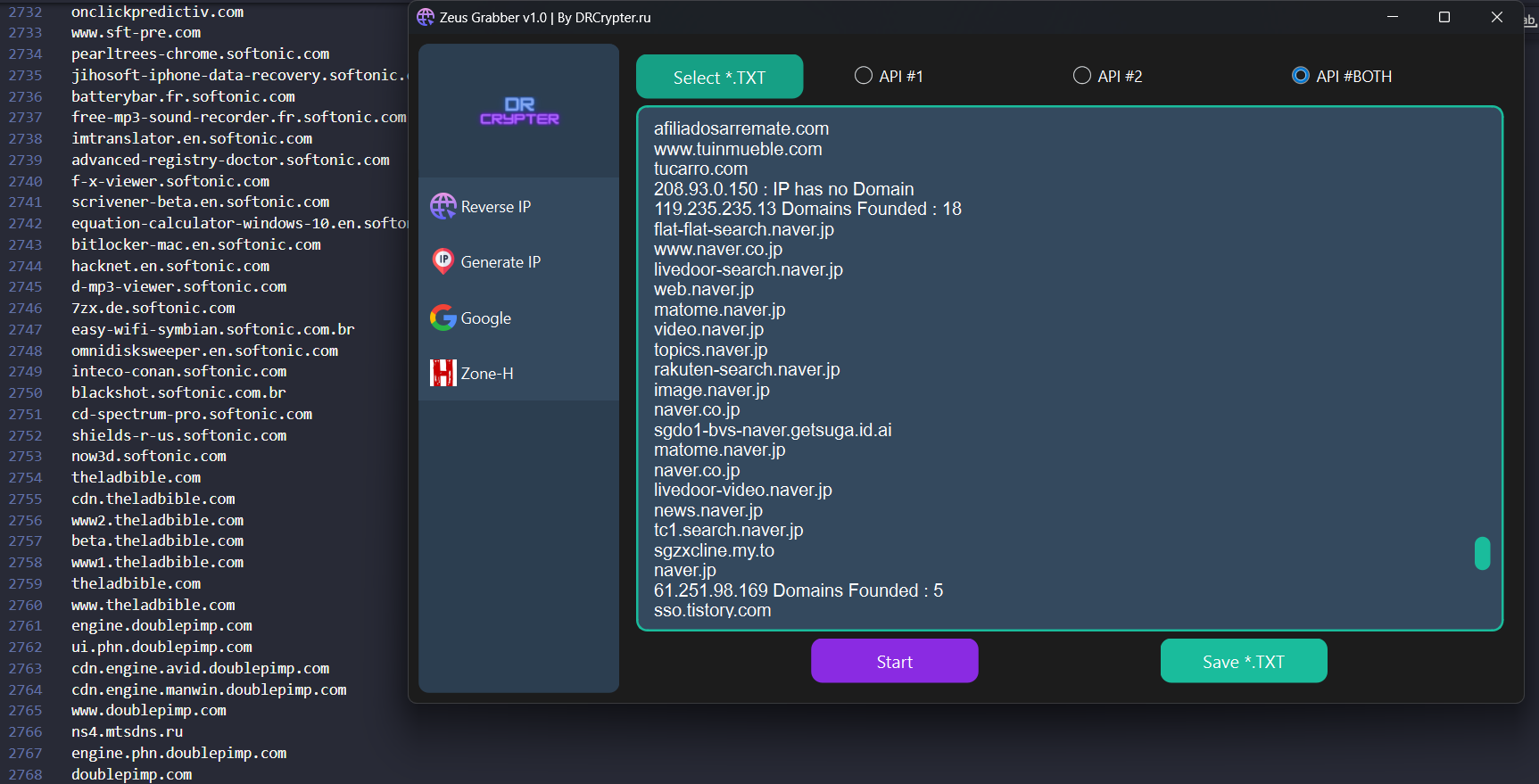
🌐 Reverse IP
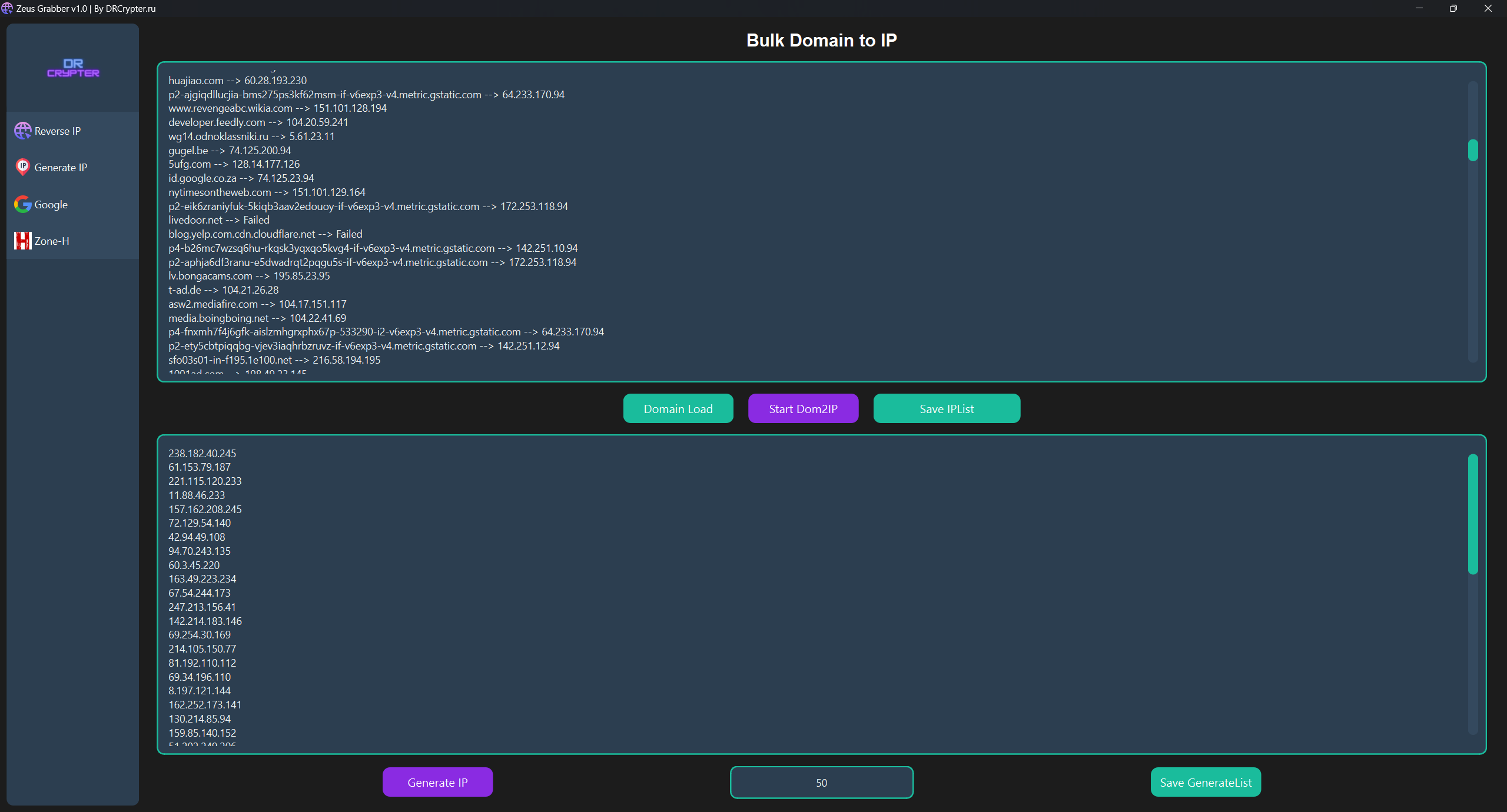
🌐 Generate IP
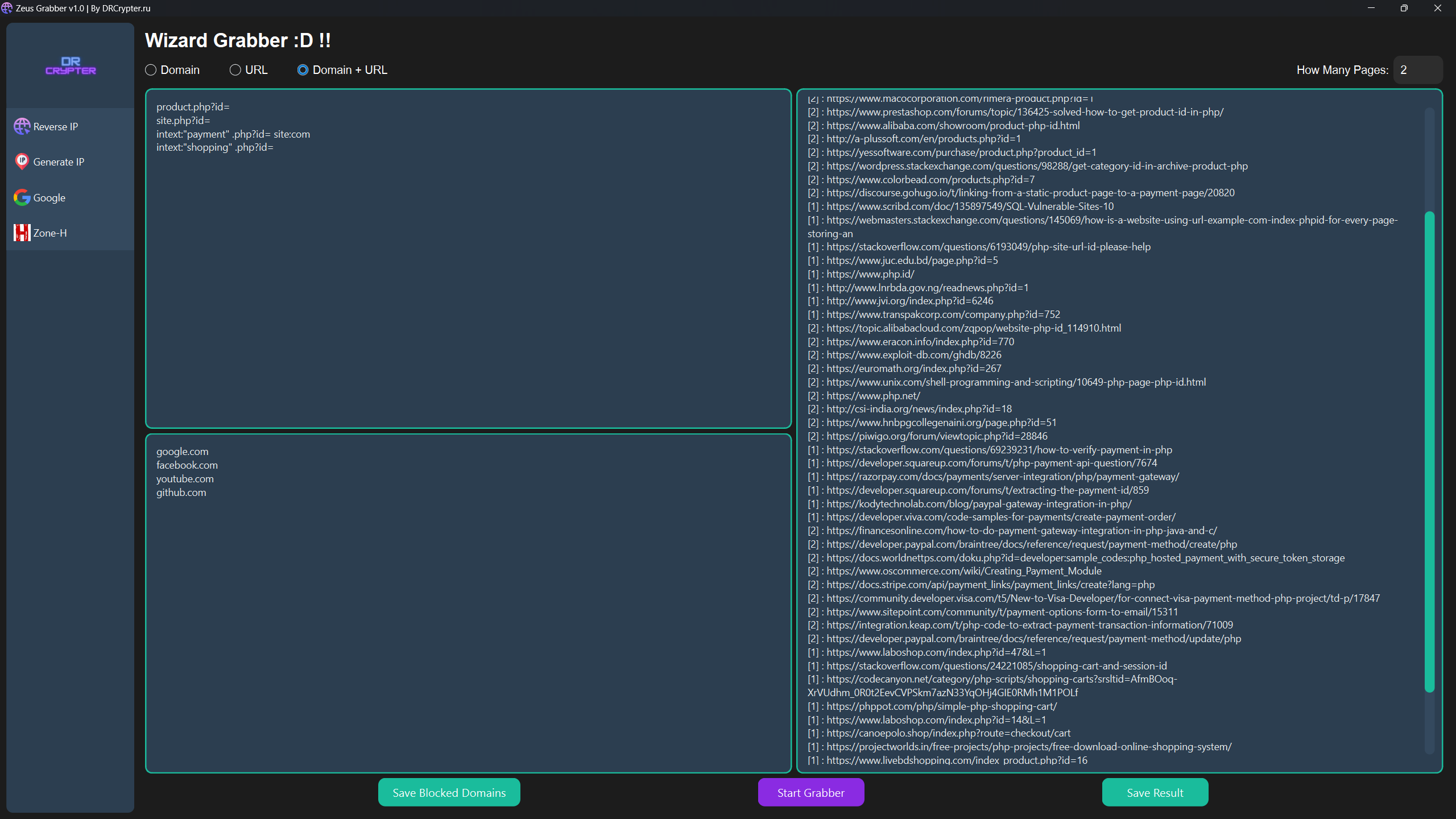
🌐 Google Grabber
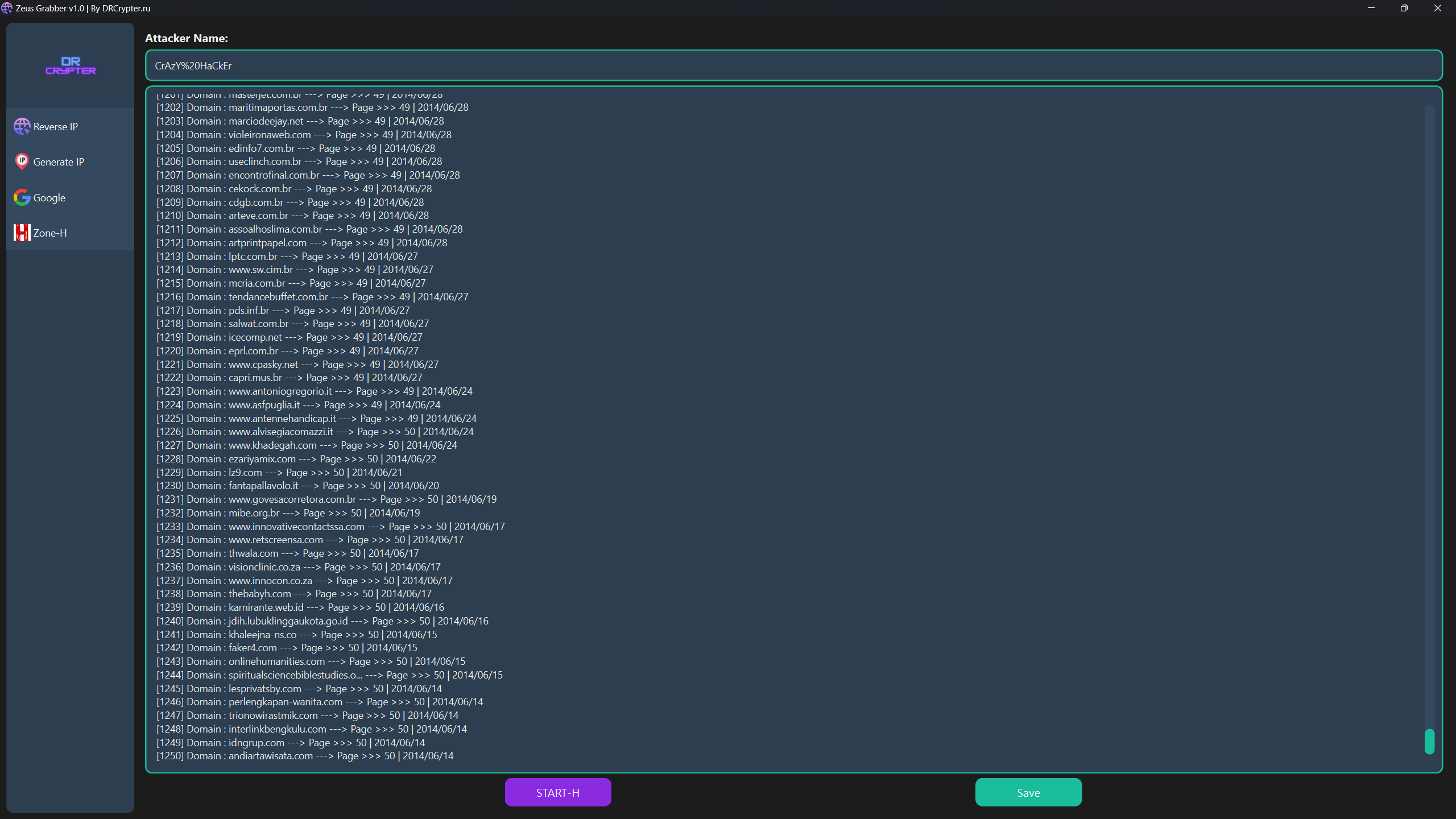
🌐 Zone-H
🚒 Installation
Run from Source (Python)
-
Clone the repository and navigate into the project directory:
git clone https://github.com/drcrypterdotru/zeus-grabber cd zeus-grabber -
Install the required dependencies:
pip install -r requirements.txtOr for Python 3:
python3 -m pip install -r requirements.txt
python3 Main.py
Run from EXE (No Installation Needed)
You can download and run the executable from the Releases section. No Python installation is required, just one click to run. 🎉
⚙️ Features
| Feature |
|---|
| 🔄 Reverse IP |
| ⚙️ IP Generator |
| 🔍 Google Search Dork & SQLi |
| 📜 Zone-H Grab Domain |
Usage Instructions
🔄 Reverse IP
- Select a TXT file (
IP_List.txt) containing a list of IP addresses. - Choose API #1, API #2, or Both APIs. Note: Using both might be slower depending on your network speed.
- Save the results as a
.txtfile. - Click Start to begin the reverse IP lookup.
⚙️ IP Generator
This tool offers two IP generation options:
-
Convert Domain to IP:
- Load your domain list (
Domain_List.txt). - Save the generated IP list as a
.txtfile. - Click Start Dom2IP.
- Load your domain list (
-
Generate Random IPs:
- Input the number of IPs you want to generate.
- Save the results to a
.txtfile. - Click Generate IP.
🔍 Google Search Automation
-
Input your search queries (dorks) into
Dork_List.txt, either one per line or multiple at once. -
The program automates Google search for each query. Just like using Google manually but faster! 🕵️♂️
-
Important: Google captcha bypass is not supported, so you’ll need to solve captchas manually when prompted.
-
Save the results in two formats:
- Domain format (e.g., google.com).
- Full URL format (e.g., example.com/product.php?id=...).
- Or both formats.
If you want to exclude certain domains, use the Block Domain feature at the bottom of the dork list and save before starting.
📜 Zone-H Username Input
- Input the Zone-H Grab Domain you want to search.
- Click Save and then Start-H to retrieve data.
Note: Captchas need to be solved manually, including for Zone-H searches.
🚀 How to Run
-
After installation, launch the application by running:
python Main.py -
Or, use the executable version available in Releases for run the Zeus-Grabber.
Video Usage

More Tools on Forums
Explore our community and connect with us on visit our website for more Tools and Resources!

🤝 Contributing
We welcome contributions! Feel free to fork this repository, make enhancements, and open pull requests. Please check the issues page for ongoing tasks or bug reports. yi
📜 License
This project is licensed under the MIT License. See the LICENSE file for details.
⚠️ Disclaimer: This tool is for educational purposes only. 🏫 The creator and contributors are not responsible for any misuse or damages caused. Use responsibly, and only on systems you own or have permission for. ✅
🎉 Enjoy Using Zeus Grabber v1.0!
If you encounter any issues or have questions, feel free to reach out or open an issue on GitHub.