
zk-graph-view
Visualize your Zettelkasten graph from zk as an interactive HTML network.
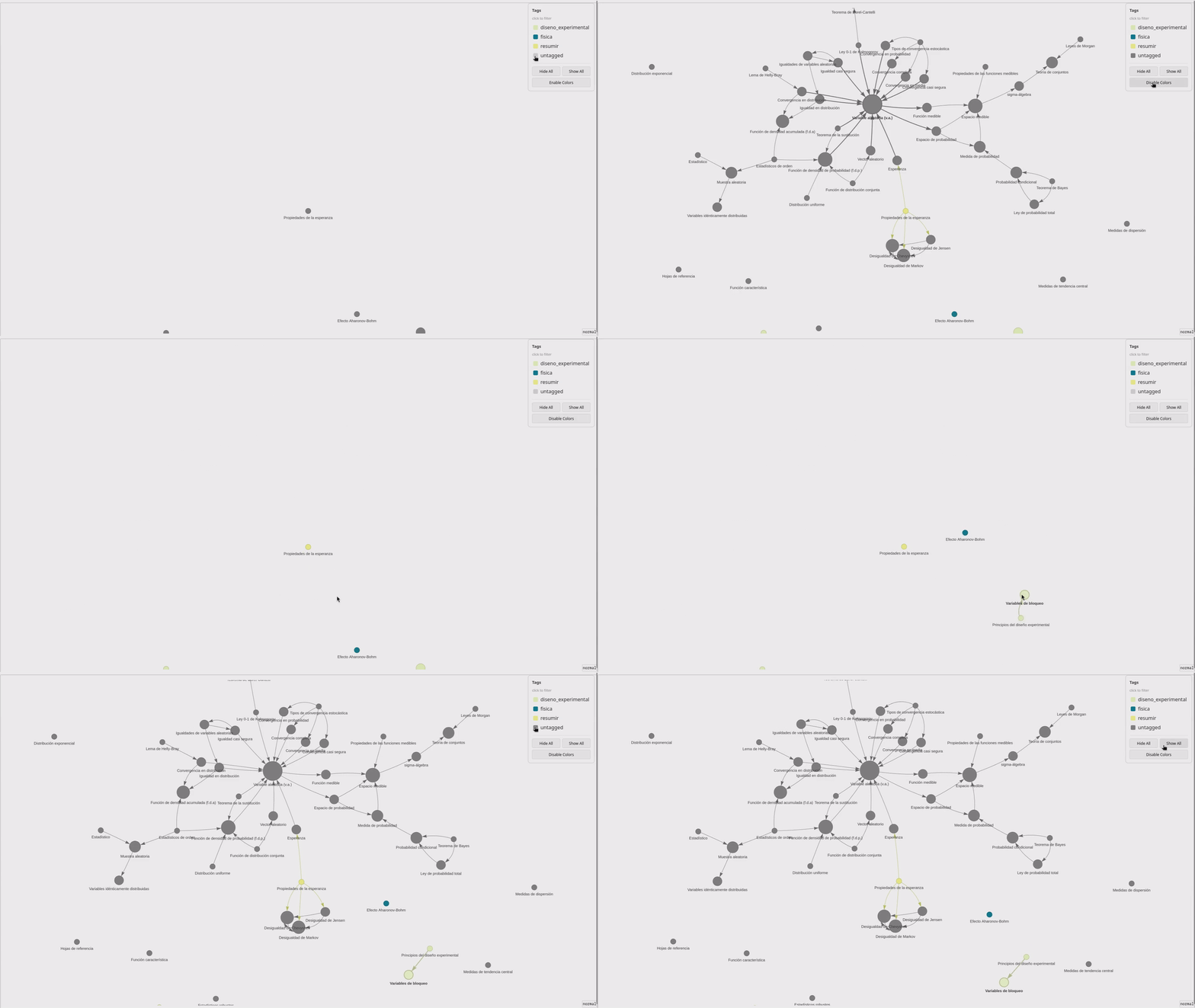
Features
- Set node size based on the number of connections
- Visualize networks interactively
- Apply tag-based coloring and filtering
- Render directed or undirected graphs
- Choose the color palette (optional)
- Save the HTML output (optional)
Installation
Using pipx
pipx install zk-graph-view
or using uv:
uv tool install zk-graph-view
Using
uvis recommended.
Manual
git clone https://github.com/cyberSapoPerro/zk-graph-view.git
cd zk-graph-view
pipx install -e .
Usage
Run the tool from within a zk notebook directory:
zk-graph-view
This will generate an interactive HTML visualization.
You can also use zk query options and pipe JSON output into zk-graph-view. For example:
zk graph -t a-tag --format=json | zk-graph-view
Will render a graph containing only the notes with the tag a-tag.