

Dolphin Flashcard App
# Dolphin-Flashcards <!-- vscode-markdown-toc --> * 1. [Broad Overview](#BroadOverview) * 2. [Where can I learn more?](#WherecanIlearnmore) * 3. [USPs and Points of Differentiation](#USPsandPointsofDifferentiation) * 4. [Broad Overview](#BroadOverview-1) * 4.1. [Flashcard System](#FlashcardSystem) * 4.2. [Gamified Features](#GamifiedFeatures) * 4.3. [Access Control System](#AccessControlSystem) * 5. [Contributing](#Contributing) * 6. [Deploying Dolphin Flashcards yourself](#DeployingDolphinFlashcardsyourself) <!-- vscode-markdown-toc-config numbering=true autoSave=true /vscode-markdown-toc-config --> <!-- /vscode-markdown-toc --> ## 1. <a name='BroadOverview'></a>Broad Overview This app is designed to improve simiar apps like Quizlet and Anki by implementing a spaced repetition system in an easy to use and visually pleasing UI. The website, which is in development, can be seen [here](http://dolphinflashcards.com) **Contributors are welcome!** See more information [here](https://docs.dolphinflashcards.com/conceptual-docs/quickstart), and checkout the avaliable [tasks to work on](https://github.com/jacob-macleod/Dolphin-Flashcard-App/issues) 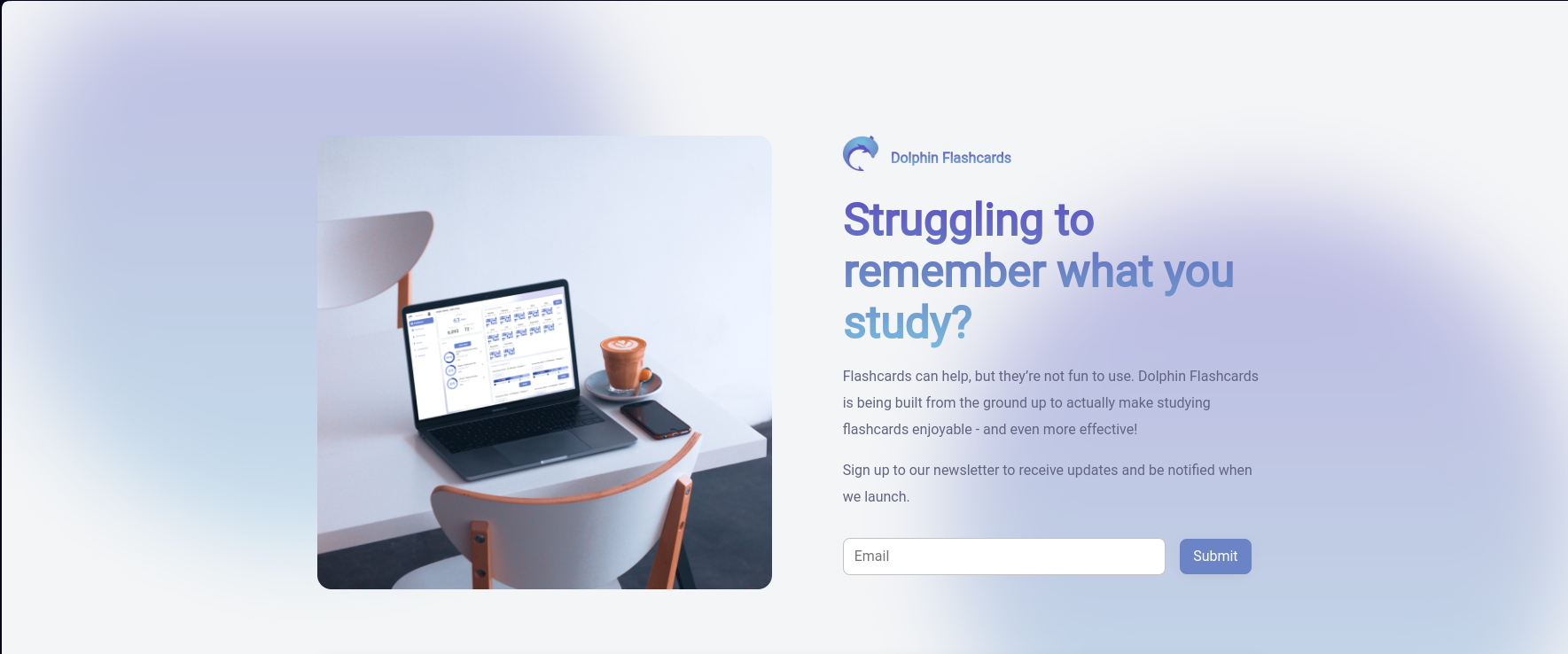 ## 2. <a name='WherecanIlearnmore'></a>Where can I learn more? The [documentation](http://docs.dolphinflashcards.com/) shows detailed information on how to learn more about how the site works, including in-depth API documentation ## 3. <a name='USPsandPointsofDifferentiation'></a>USPs and Points of Differentiation * Flashcard app with nice UI * Spaced Repetition * Gamified with lots of "juice" Anki solely fills the second point, while Quizlet serves the first point. None fully cover all points. This would provide a unique opportunity for this app <details> <summary>See the planned features</summary> ## 4. <a name='BroadOverview-1'></a>Broad Overview A broad overview of the planned features to be made ### 4.1. <a name='FlashcardSystem'></a>Flashcard System * Log into account * Create account * Users should be able to see a tree list of all the cards they have added. They should be able to see which folders everything is in * There should be an indicator like Anki showing how many cards are there to learn, recap and revise in each folder and set * You can click a three dot menu to view all cards in the set, not just the ones you need to learn. You can access the same options as below * When you click this menu, you can also choose to create a card * When you click on a card or a folder, you view all the cards you need to learn or revise in it as a list * Flashcards * Multiple choice QU * With each qu, you can see whether you know a little, whether you know it well, or not at all * Cards have HTML code which can be rendered. Images or text can be uploaded * Folders can be created or deleted. Cards can be created, deleted or moved around * Anki-Like Algorithm * More details to follow ### 4.2. <a name='GamifiedFeatures'></a>Gamified Features * Streak, XP * Leader board with multiple levels. Completing a level in the top 5 pushes you to the next level * Quests - things like learn x cards, add x cards, get an x day Streak etc * When you win them you get a badge on your profile * When you complete one the variable x increases * When you win it again the badge looks the same but it has a different number associated with it - the badge number * Quests give you gold ### 4.3. <a name='AccessControlSystem'></a>Access Control System * The user that created the flashcard/folder owns the flashcard/folder. If they own the folder, they own all the cards inside it * Other users can view it but not edit it * If they want to edit it, they can first clone it * Users can find flashcards made by other users on a separate search tab * Users can be given access to flashcard by the owner </details> ## 5. <a name='Contributing'></a>Contributing Contributors are welcome! The project uses feature branches, which are made from the development branch. It is important to keep to this rule! See the avaliable [tasks to work on](https://github.com/jacob-macleod/Dolphin-Flashcard-App/issues) For more information, please see below: * [Quick start guide on how to run Dolphin locally](https://docs.dolphinflashcards.com/conceptual-docs/quickstart) * [In-depth videos about how to code for Dolphin](https://docs.dolphinflashcards.com/conceptual-docs/tutorialintro) * [API documentation](https://docs.dolphinflashcards.com/api-reference/introduction) ## 6. <a name='DeployingDolphinFlashcardsyourself'></a>Deploying Dolphin Flashcards yourself This section is only for building and deploying Dolphin Flashcards yourself! If you just want to run Dolphin locally, see section 2 or 3 At the moment, a pipeline exists to: - Build the docker container - Check the container can run - Upload it to docker hub as a private container since it contains keys - SSH into a GCP VM and update the container - Check the VM is running If you want to manually setup the code, follow the following steps: - `firebase_url`, `firebase_config.json` and `credentials.json` in the overall project directory, which store the url of the firebase instance and the firebase credentials (api key) - Get the code on the server, using git or docker(your own build of the code) - Navigate to the `frontend/` folder, install the `npm` dependencies in `node_requirements.txt`, and building the code with `npm run build` - If using docker, a `docker-compose.yml` file can be made, using the following information: - Make sure `backend/database/database_config.py` stores `type="production"` - Make sure `frontend/src/api/secretKeys.js` stores the `action` part of the correct Mailchimp form as `mailChimpApiKey` - See [this medium article](https://ogroetz.medium.com/adding-a-mailchimp-signup-form-to-your-react-app-2b34dd374ff9) for more information ```yaml version: '3' services: flashcard-app: image: jacobmacleod/flashcard-app:latest ports: - "8080:8080" ``` - `docker-compose up` can be used to build the code, and `docker-compose up --force-recreate --build -d && docker image prune -f` to update the container More information of how the code works is in `CONTRIBUTING.md`