Home
Softono
figma-code-highlighter

figma-code-highlighter

Open source BSD-3-Clause TypeScript
37
Stars
7
Forks
15
Issues
1
Watchers
3 years
Last Commit

About figma-code-highlighter

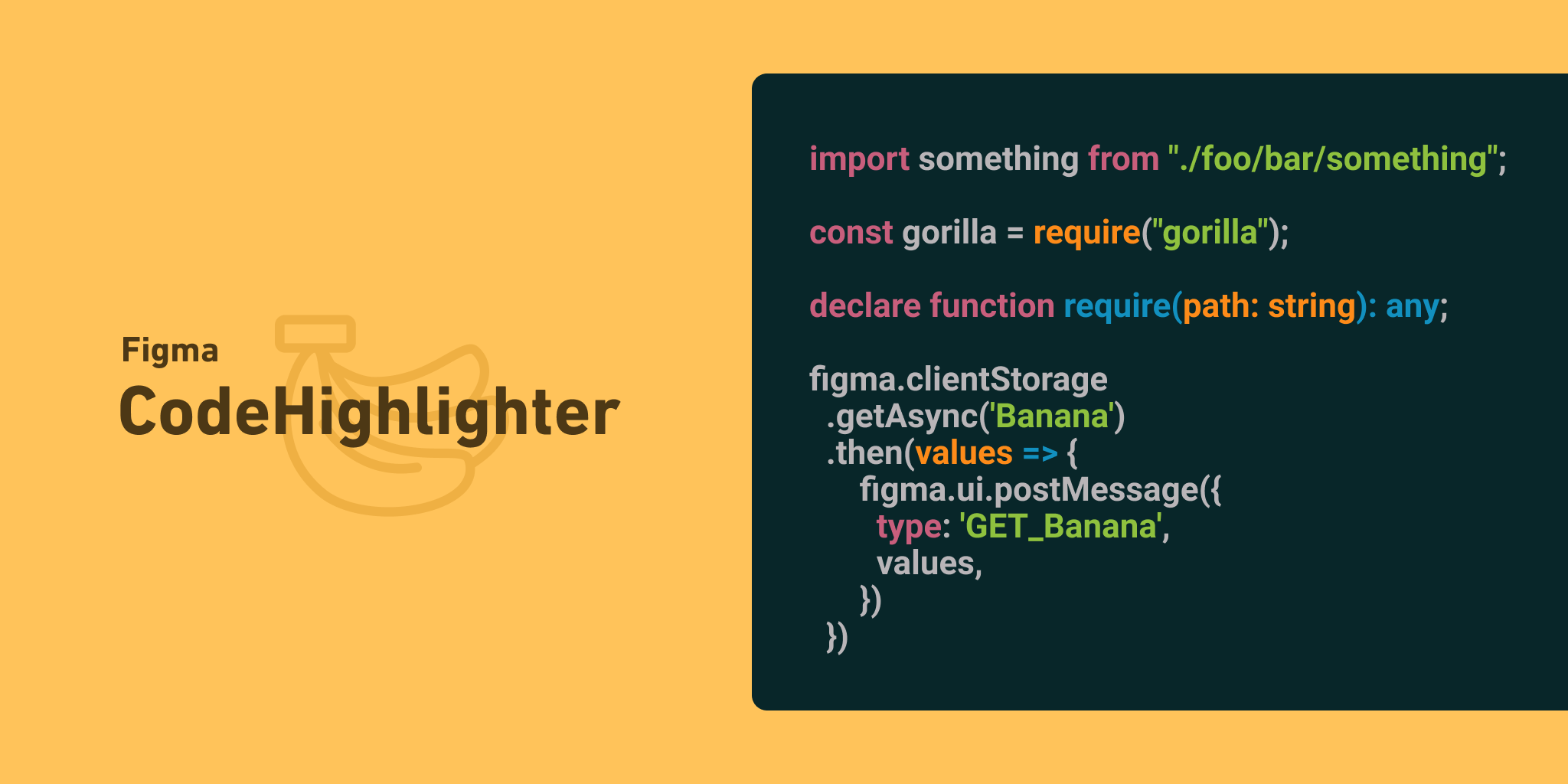
<img src="https://i.gyazo.com/7bec07ab74c07d6c5690a9499fa78726.png" alt="Image from Gyazo" width="2048"/> # Figma Code Highlighter Code highlighter for Figma. This plugin supports about 200 languages and about 100 color schemas. Select any text box, select color schema, language, and run the plugin. Text will be highlighten. You can save your favorite color schema and language as bookmark. This plugin uses <a href="https://github.com/highlightjs/highlight.js">highlight.js</a> parse logic and color schemas. # Install https://www.figma.com/c/plugin/764836637878472379/Figma-Code-Highlighter # How to use - 1 | Select Textbox - 2 | Select color schema and language - 3 | Click "run" button. <a href="https://gyazo.com/ea7ca96806aead64d70caeaf447d2fb5"><img src="https://i.gyazo.com/ea7ca96806aead64d70caeaf447d2fb5.gif" alt="Image from Gyazo" width="892"/></a> And You can save your favorite color schema and language as bookmark. Please press "+" button.
Platforms

Web Self-hosted

Languages

TypeScript
Image from Gyazo

Figma Code Highlighter

Code highlighter for Figma. This plugin supports about 200 languages and about 100 color schemas.

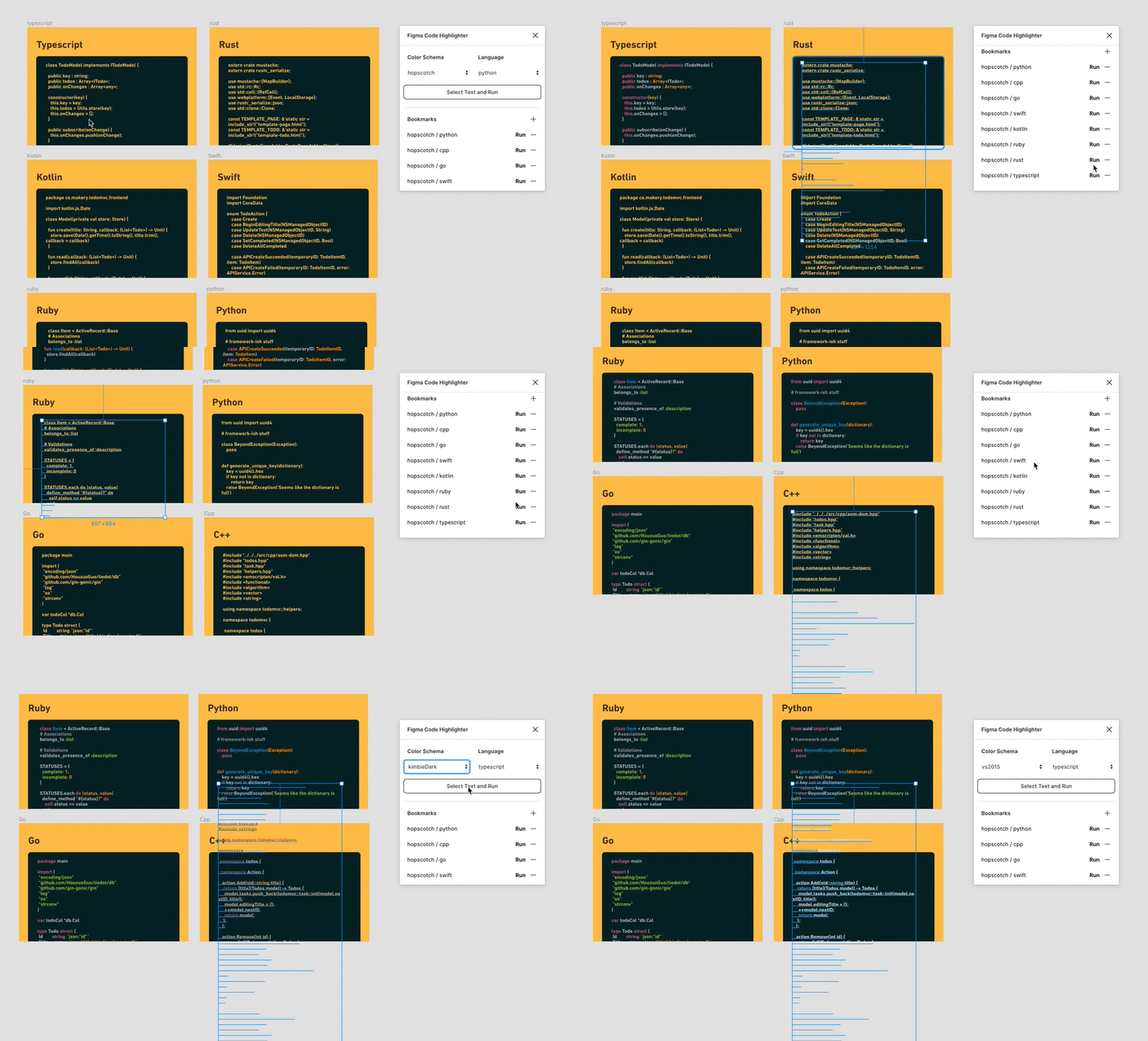
Select any text box, select color schema, language, and run the plugin. Text will be highlighten. You can save your favorite color schema and language as bookmark.

This plugin uses highlight.js parse logic and color schemas.

Install

https://www.figma.com/c/plugin/764836637878472379/Figma-Code-Highlighter

How to use

  • 1 | Select Textbox
  • 2 | Select color schema and language
  • 3 | Click "run" button.

Image from Gyazo

And You can save your favorite color schema and language as bookmark. Please press "+" button.