Lovelace Soft UI
Overview
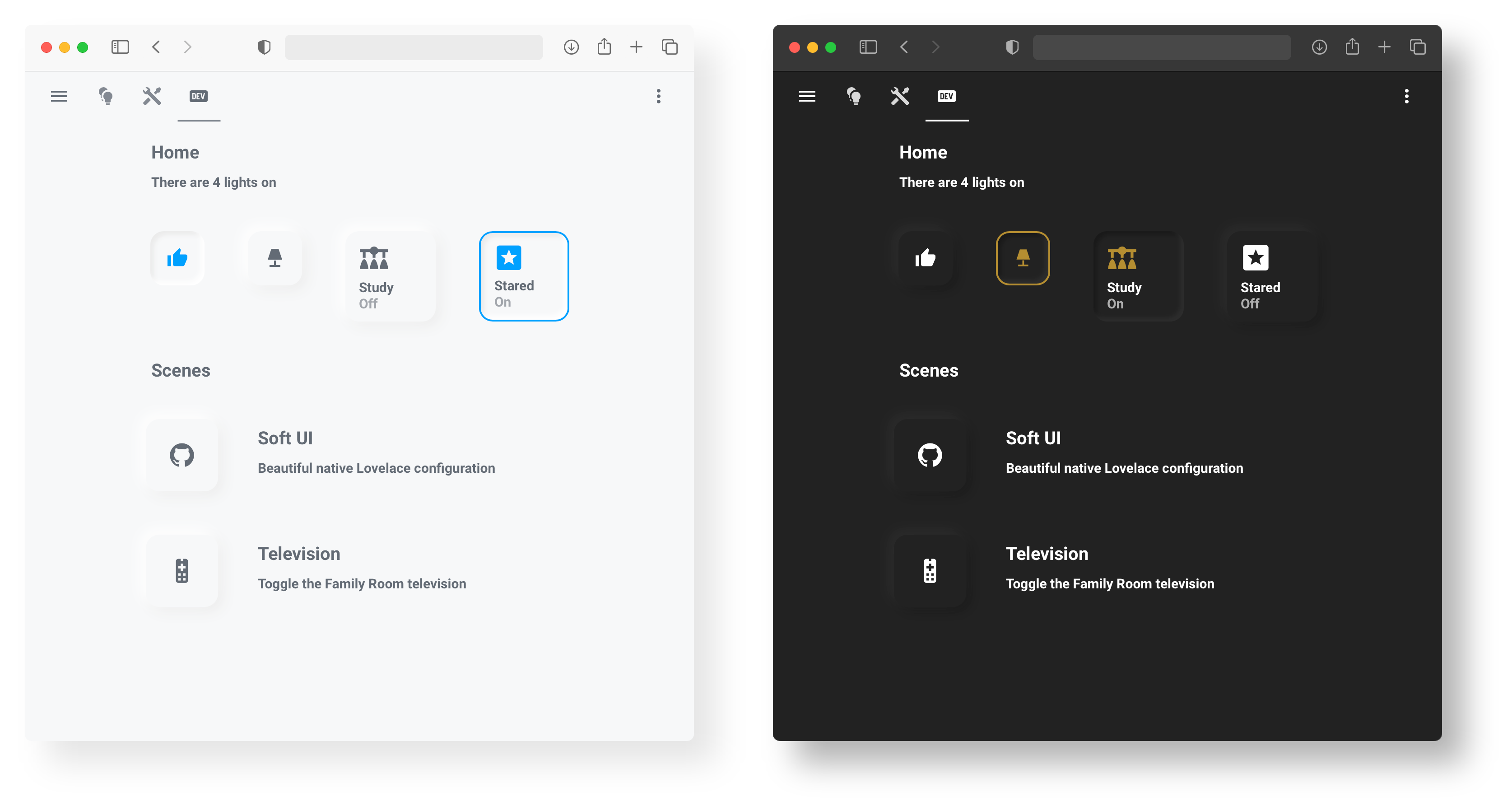
This project began as a personal redesign of my Home Assistant UI and eventually grew into a collection of reusable styles, configurations, and card examples for achieving a neumorphic look in Lovelace.
As of 2026, Lovelace Soft UI is archived and no longer actively maintained.
Home Assistant’s frontend ecosystem has evolved significantly, and newer theming tools and card frameworks provide more flexible solutions. The repository will remain available as a reference for anyone who would like to explore or adapt the ideas, styles, or card configurations in their own setups.
This project would not have been possible without the support and inspiration of the Home Assistant community. If you need help, please consult the community forums or browse existing issues.
Thank you to everyone who used, contributed, or shared feedback on this project ❤️
Installation
First, we will need card-mod to style our cards. The easiest way to install card-mod is via HACS.
Second, we will need to apply our card-mod style through themes.
We first need to install custom themes (can also be found via HACS),
then we will add our card-mod style to the theme YAML files, typically found at:
config/themes/{theme_name}/{theme_name}.yaml
There are two ways to style our cards: the Universal method, which styles all cards, and the Individual method, which only styles specific cards.
Universal
To universally style all cards, add the following to your theme YAML file:
Show code
Light version:
# Example light_theme.yaml entry
theme_name:
  card-mod-theme: theme_name # Change to your theme name
  card-mod-card: |
    ha-card {
      margin: 20px;
      border-radius: 15px;
      background-color: var(--primary-background-color);
      box-shadow: -5px -5px 15px #ffffff, 5px 5px 15px #ebebeb;
    }
  # This is needed for the "pressed" buttons
  soft-ui-pressed: 'inset -4px -4px 5px #ffffff, inset 4px 4px 5px #ebebeb'
Dark version:
# Example dark_theme.yaml entry
theme_name:
  card-mod-theme: theme_name # Change to your theme name
  card-mod-card: |
    ha-card {
      margin: 20px;
      border-radius: 15px;
      background-color: var(--primary-background-color);
      box-shadow: -5px -5px 15px #2c2c2c, 5px 5px 15px #191919;
    }
  # This is needed for the "pressed" buttons
  soft-ui-pressed: 'inset -4px -4px 5px #2c2c2c, inset 4px 4px 5px #191919'
Individual
To individually style cards, first, we will create a styling class in our theme YAML:
Show code
Light version:
# Example light_theme.yaml entry
theme_name:
  card-mod-theme: theme_name # Change to your theme name
  card-mod-card: |
    ha-card.soft-ui {
      margin: 20px;
      border-radius: 15px;
      background-color: var(--primary-background-color);
      box-shadow: -5px -5px 15px #ffffff, 5px 5px 15px #ebebeb;
    }
  # This is needed for the "pressed" buttons
  soft-ui-pressed: 'inset -4px -4px 5px #ffffff, inset 4px 4px 5px #ebebeb'
Dark version:
# Example dark_theme.yaml entry
theme_name:
  card-mod-theme: theme_name # Change to your theme name
  card-mod-card: |
    ha-card.soft-ui {
      margin: 20px;
      border-radius: 15px;
      background-color: var(--primary-background-color);
      box-shadow: -5px -5px 15px #2c2c2c, 5px 5px 15px #191919;
    }
  # This is needed for the "pressed" buttons
  soft-ui-pressed: 'inset -4px -4px 5px #2c2c2c, inset 4px 4px 5px #191919'
Then to use the style, simply reference the soft-ui class in any card
by adding the following to the YAML card configuration:
# Example card configuration entry
card_mod:
  class: soft-ui
Cards
All cards below have been made to work with both the Universal styling method and the Individual styling method. However, Button cards require the additional installation of the custom button-card. Add cards via the Manual card option in the Lovelace UI.
Heading
Get card here

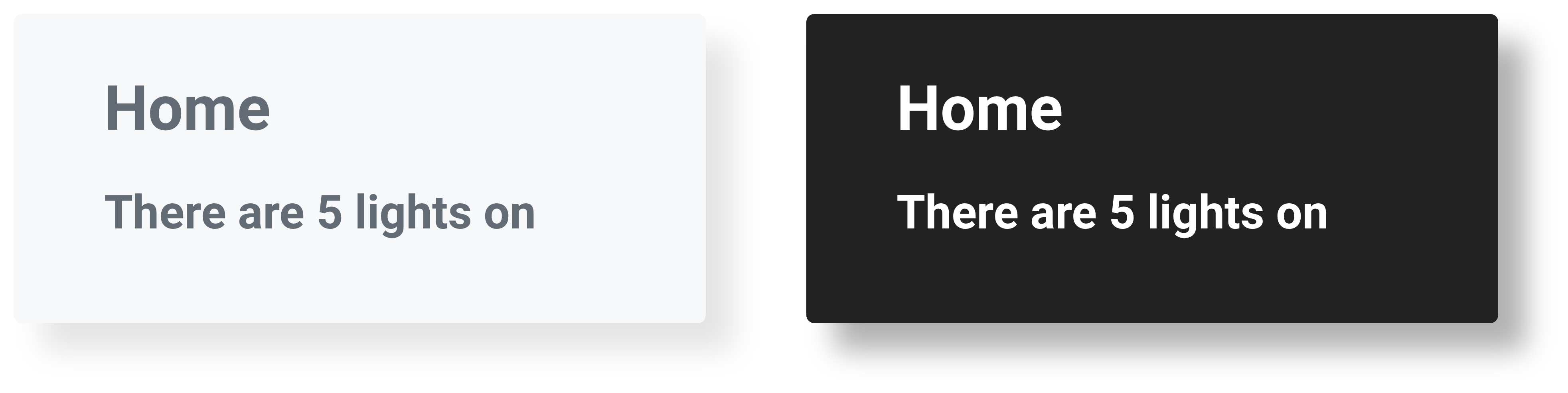
Heading & Subheading
Get card here
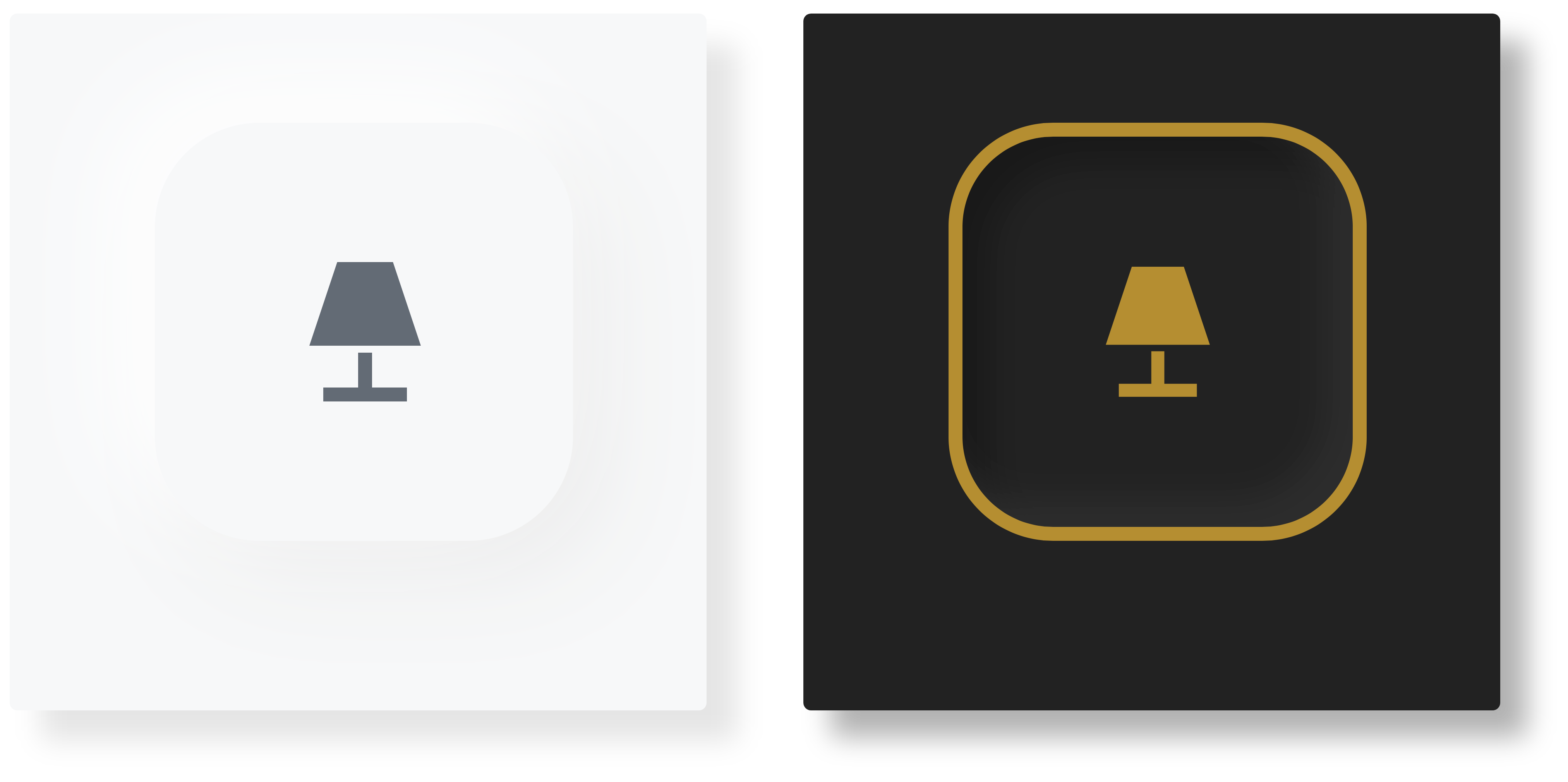
Button
Get card here

Button Border
Get card here
Button Text
Get card here
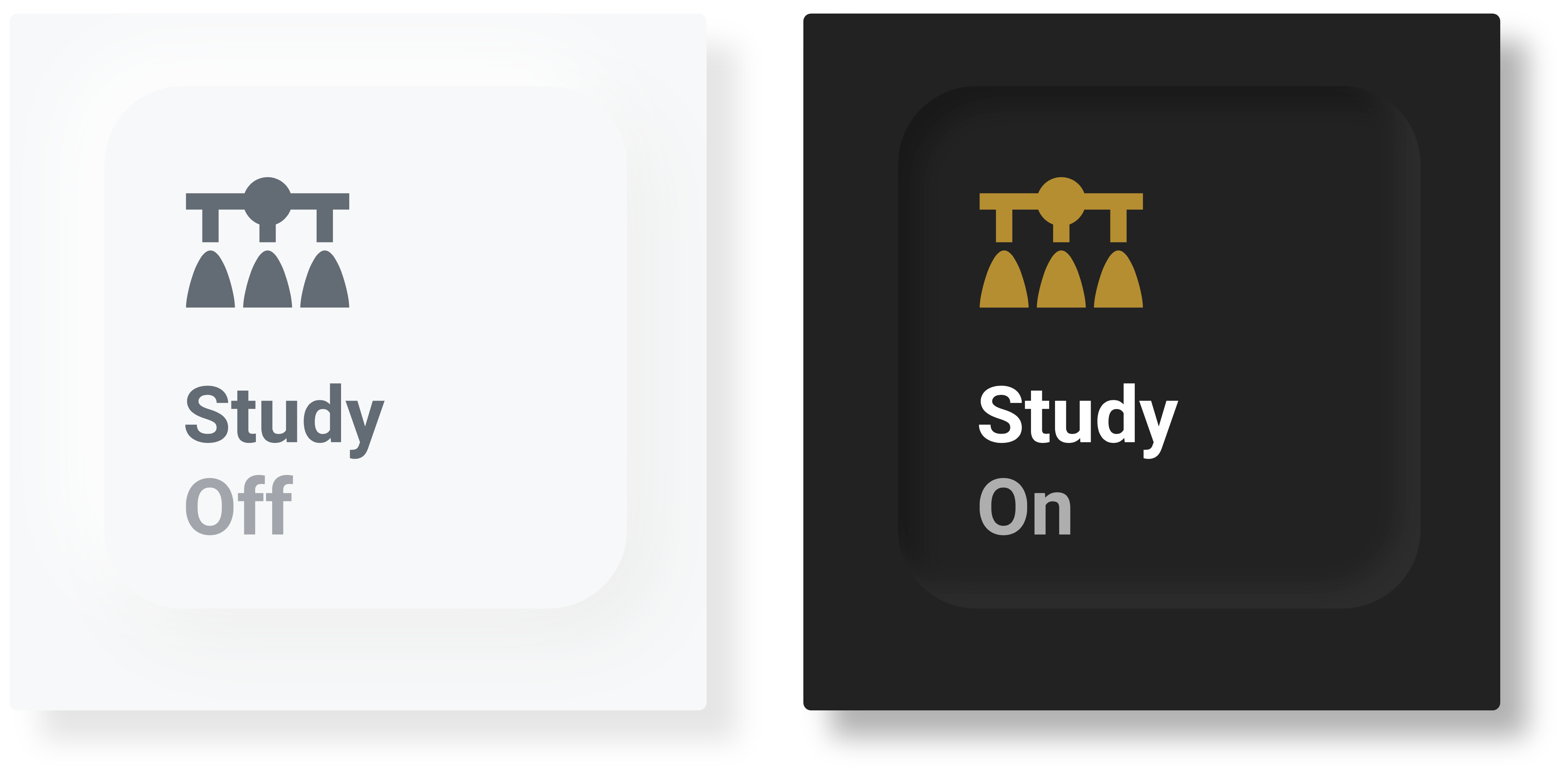
Button Border Text
Get card here
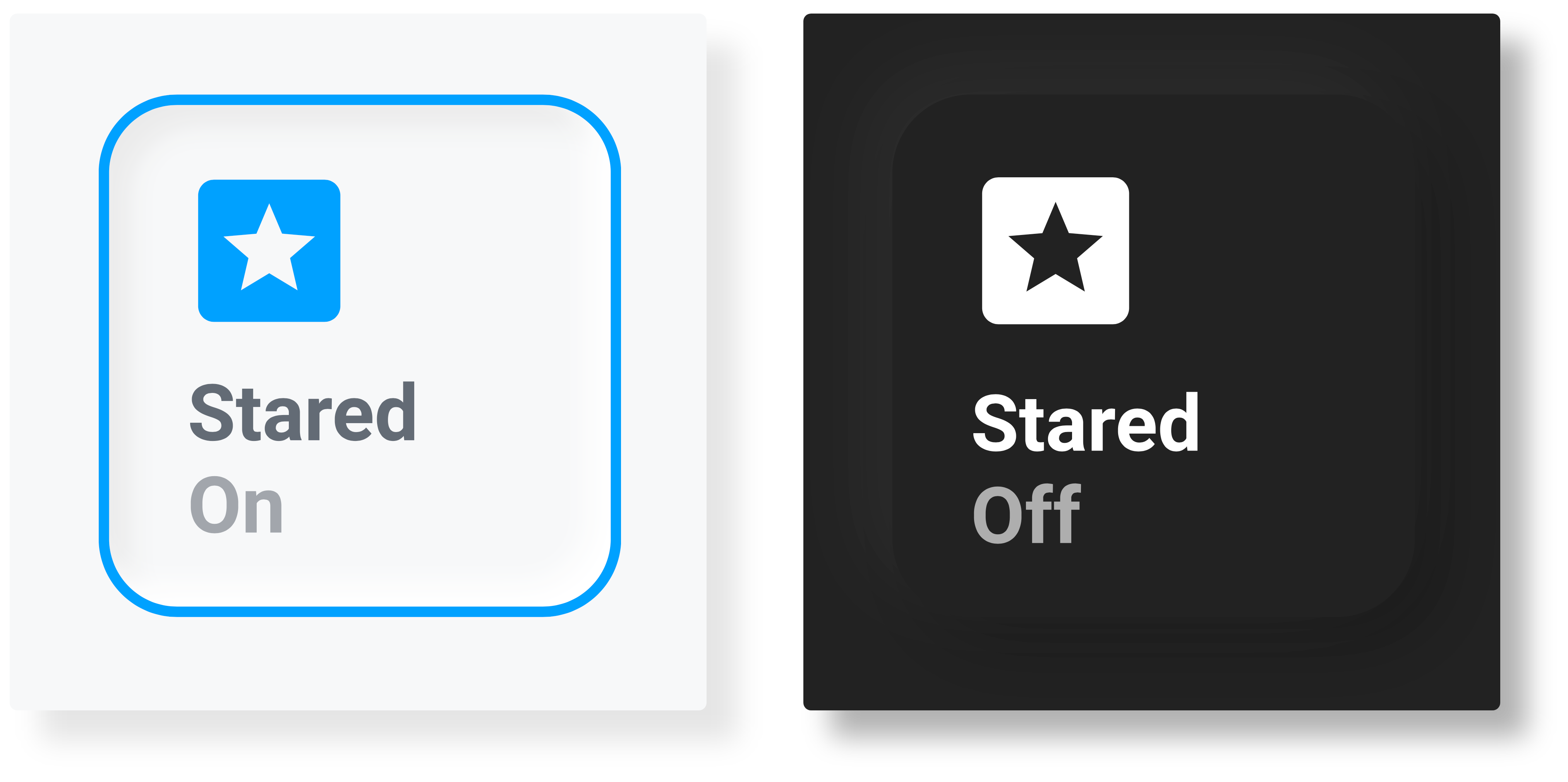
Button Description
Get card here