
Paus: Docker Compose PaaS
Bring your app to the cloud easily.
Deploy application by 2 steps:
- Prepare
docker-compose.ymlon the repository git push paus master
That's all. You don't have to learn the platform-specific file anymore.
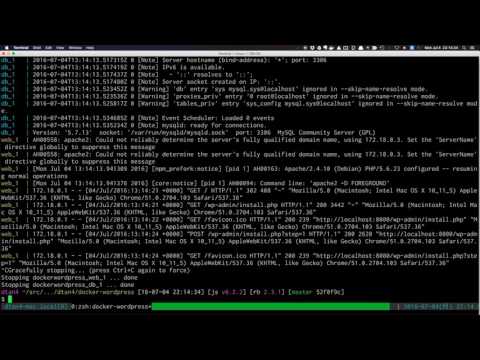
Demo (YouTube)
Try on local machine with Vagrant
At first, run script/bootstrap :rocket:
$ script/bootstrap
Prepare .env
Set environment variables in .env.
MUST: PAUS_GITHUB_CLIENT_ID and PAUS_GITHUB_CLIENT_SECRET are required to launch Paus.
Create new OAuth application from here, then write Client ID and Client Secret in .env
For Vagrant, callback URL should be "http://paus.dev/oauth/callback".
Launch Paus
3 CoreOS machines are launched.
$ vagrant up
$ vagrant dns --install
$ vagrant dns --start
Sign up & Create application.
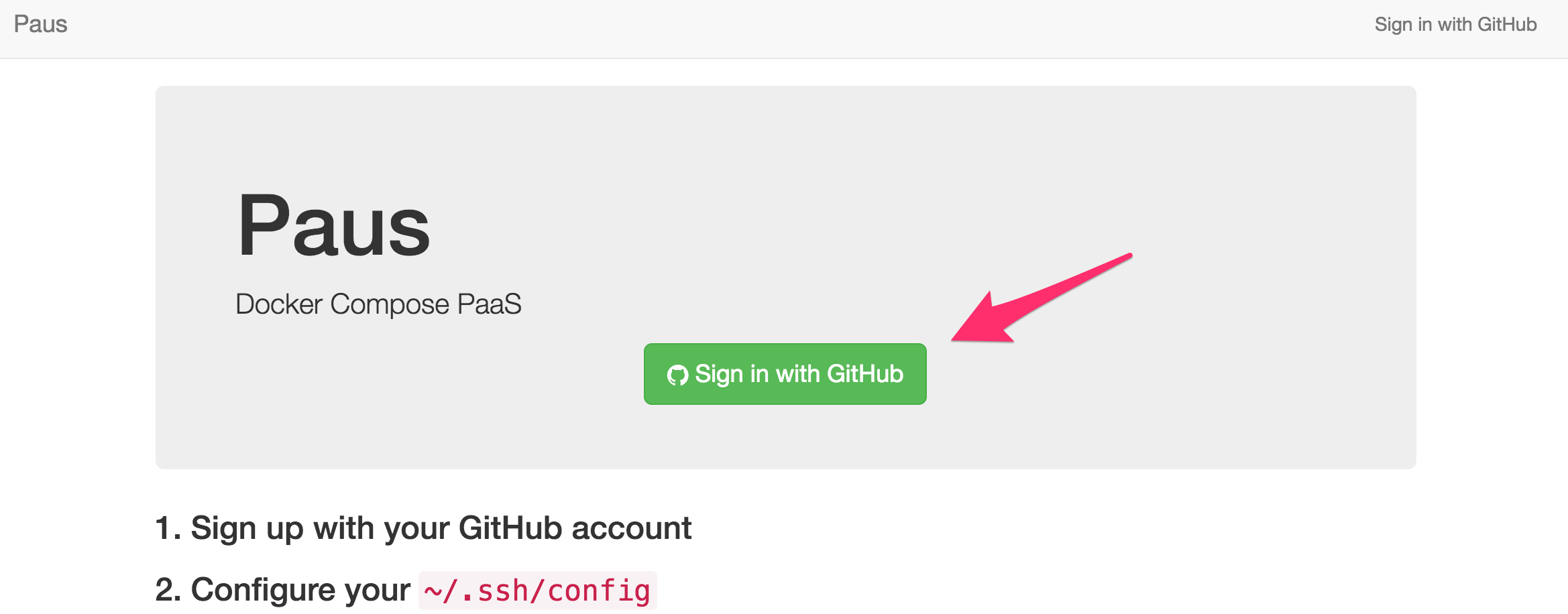
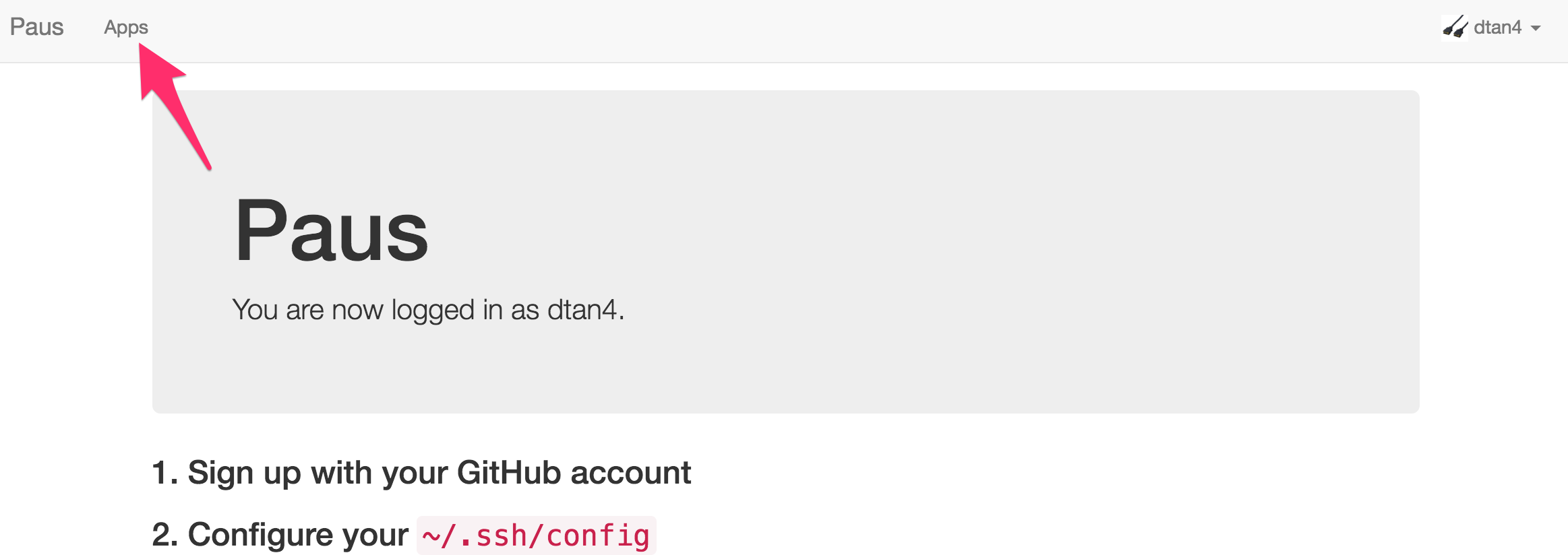
Access to http://paus.dev and sign up with your GitHub account.
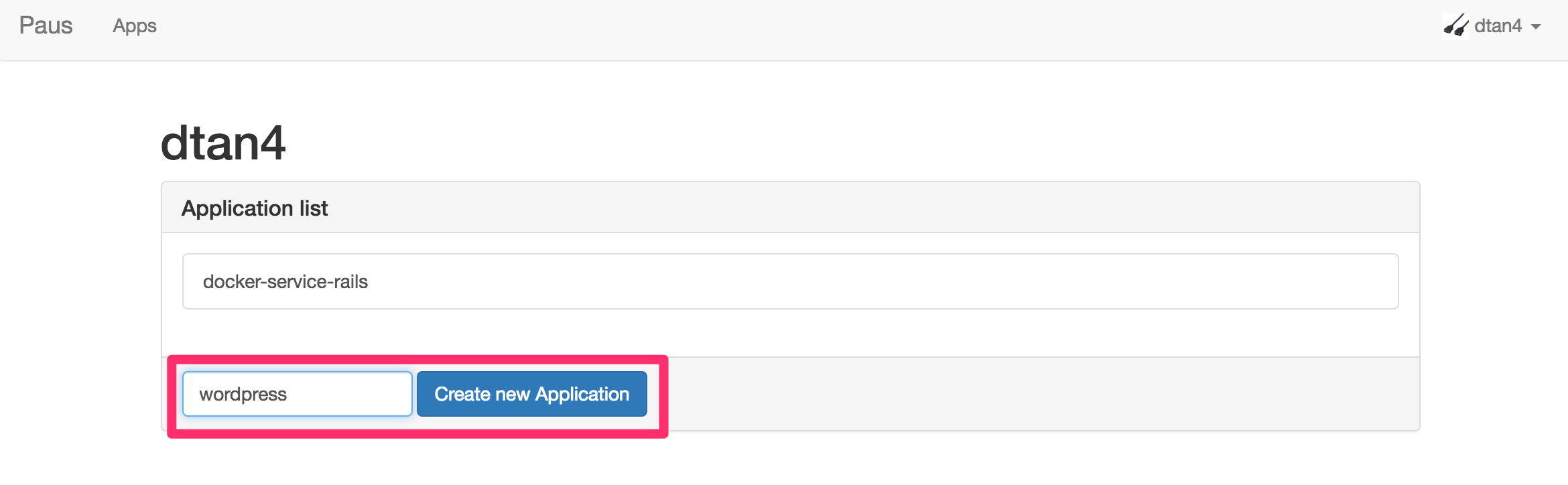
After that, create application.
Write ~/.ssh/config
Host paus.dev
  User git
  Port 2222
  IdentityFile ~/.ssh/id_rsa
  StrictHostKeyChecking no
Prepare docker-compose.yml
e.g. Wordpress + MySQL
$ cd /path/to/your/app
$ cat docker-compose.yml
version: '2'
services:
  db:
    image: mysql:5.7
    restart: always
    environment:
      MYSQL_ROOT_PASSWORD: wordpress
      MYSQL_DATABASE: wordpress
      MYSQL_USER: wordpress
      MYSQL_PASSWORD: wordpress

  web:
    depends_on:
      - db
    image: wordpress:latest
    links:
      - db
    ports:
      - "8000:80"
    restart: always
    environment:
      WORDPRESS_DB_HOST: db:3306
      WORDPRESS_DB_PASSWORD: wordpress
Add Git remote repository
$ git remote add paus [email protected]:<username>/<app_name>
Push!
$ git push paus master
Access to the application
Access to the URL shown the end of deployment.
Modules
Paus consists of the below modules:
- paus-frontend
- Web frontend of Paus
- paus-gitreceive
- Git server of Paus
Presentation material
- Docker Compose PaaS の作り方、そして社内に導入した話 / #yapc8oji // Speaker Deck (in Japanese)
- 2016-07-03 YAP(achimon)C::Asia Hachioji 2016 mid in Shinagawa