
Pixel Artist: Turn images into beautiful pixelated images
Pixel Artist is a command line tool that allows the creation of pixelated images with customizable levels of granularity (size of the visible pixels). Turning images into beautiful works of art that bring back nostalgic feelings from the early days of computer graphics is now easy as calling a single command.
Requirements
Features
- Block granularity
- Color palettes
- Color spaces (RGB and L*a*b)
- Number of colors
Installation
Latest stable version From PyPI
$ pip instal pixel-artist
Latest development version
$ git clone https://github.com/alexpnt/pixel-artist.git
$ pip install -e pixel-artist
Usage
usage: pixel-artist [-h] -f FILENAME [-p {3,8,9,24}] [-n NCOLORS]
                    [-g GRANULARITY] [-l] [-v] [-s]

Pixel art

optional arguments:
  -h, --help            show this help message and exit
  -f FILENAME, --filename FILENAME
                        input filename
  -p {3,8,9,24}, --nbits {3,8,9,24}
                        number of bits of the palette, default=24
  -n NCOLORS, --ncolors NCOLORS
                        number of colors to use: 1-256, default=256
  -g GRANULARITY, --granularity GRANULARITY
                        granularity to be used (>0): a bigger value means bigger blocks, default=1
  -l, --lab             use *lab model, default=rgb
  -v, --verbose         show progress
  -s, --save            save the output image
Examples
$ pixel-artist -f img/globe.jpg -g 2 -p 3 -v

Input image dimensions -> width=800, height=600
Block dimensions -> width=2, height=2
Grid dimensions -> width=400, height=300
Fetching 120000 image blocks
Building pixelated image:  100.00 %
Done
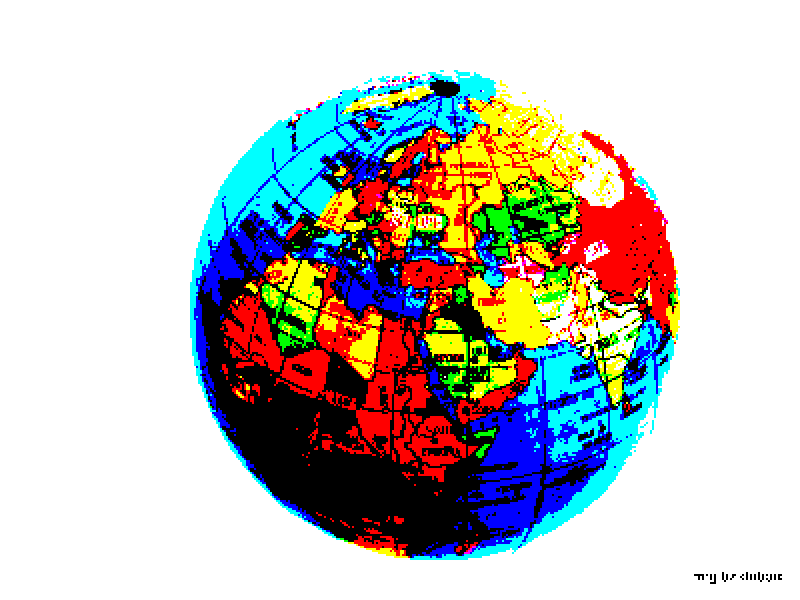
$ pixel-artist -f img/tennessee.jpg -g 4 -n 128 -v

Input image dimensions -> width=800, height=600
Block dimensions -> width=5, height=4
Grid dimensions -> width=160, height=150
Fetching 24000 image blocks
Building pixelated image:  100.00 %
Done
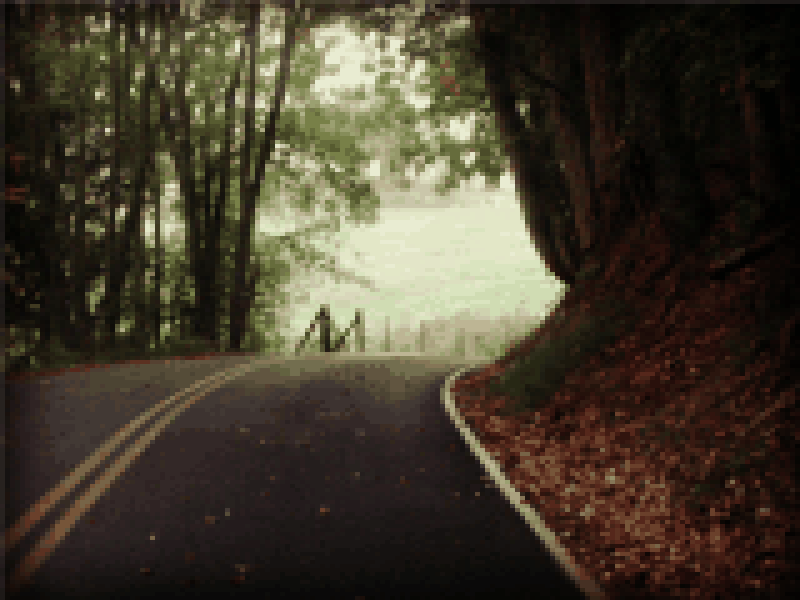
$ pixel-artist -f img/lane.jpg -g 4 -n 128  -v

Input image dimensions -> width=800, height=600
Block dimensions -> width=5, height=4
Grid dimensions -> width=160, height=150
Fetching 24000 image blocks
Building pixelated image:  100.00 %
Done
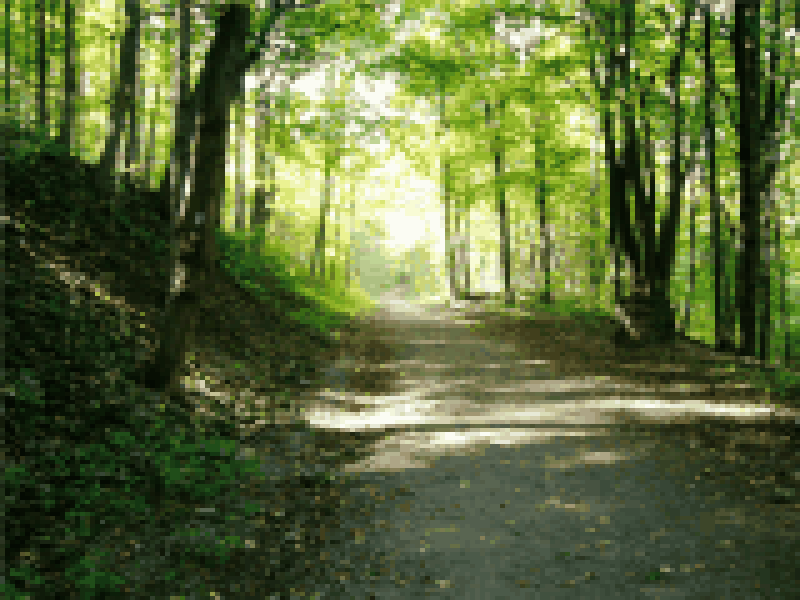
Implementation details
The pixel-artist command line tool works by dividing the image in equal sized blocks and assigning them the average color of the block. Optionally, the size of the blocks can be configured as well the available colors.
Contributing
Github issues are open for feature requests and bug reports. Feel free to submit a pull request with your enhancement proposal.